Assign Additional Companies to a User
Additional Companies allow you to associate a user with one or more companies beyond their primary company. This grants visibility on Service Operations generated by those additional companies and, if the user is a company supervisor, enables them to open Service Operations on behalf of third parties.
If the user is not a company supervisor, they can only see Service Operations assigned to them. However, in form templates that include the company field, they can select either their own company or one of their Additional Companies.
Add an Additional Company
To add an Additional Company to a user, follow these steps:
-
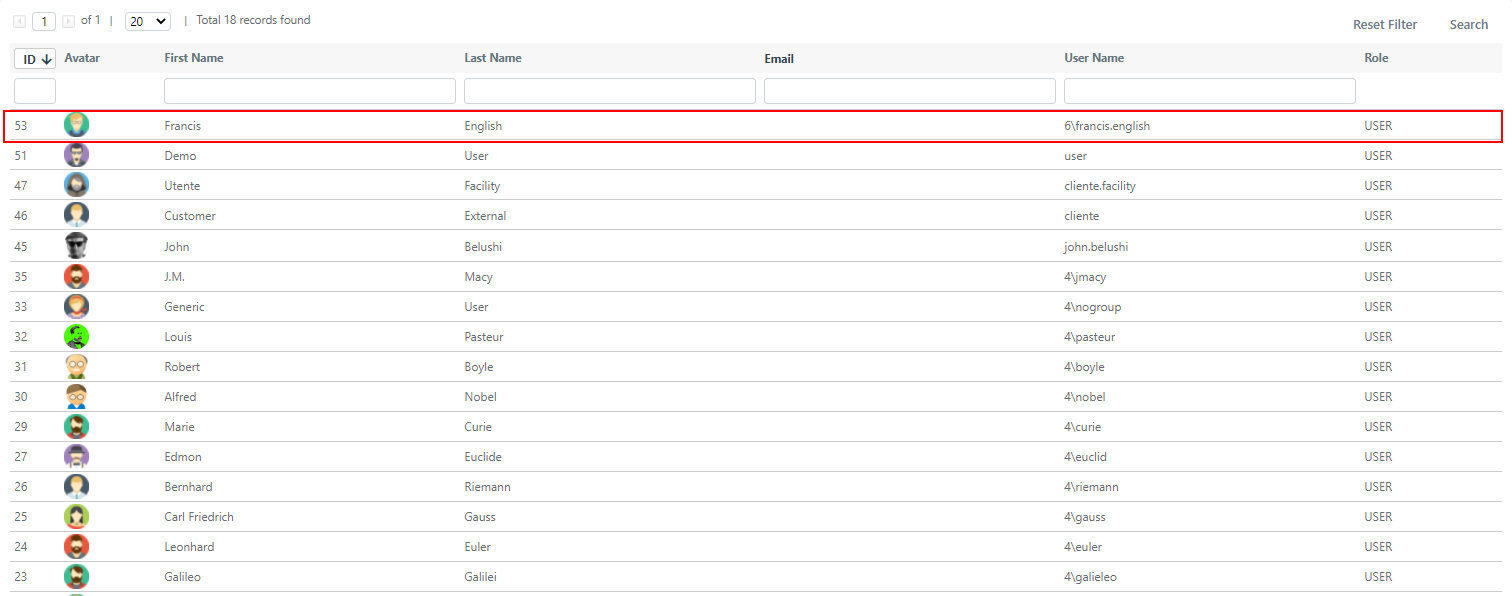
Navigate to System > Permissions > Users.
-
Click on the user you want to edit.
- In the user editing screen, locate the Additional Companies field in the form.

- Click on the field and begin typing the company name to filter the results. For example, type "Acme International."

- Select the desired company from the filtered list to confirm your choice.

- Click Apply or Save to confirm the changes. The additional company association is now applied to the user.