Promote a User to Company Supervisor
Company Supervisors are end users who have visibility on all Service Operations within their company, bypassing the default limitation where users can only see Service Operations they requested. This guide explains how to promote an existing user to a Company Supervisor.
Users can be created as Company Supervisors from the start, or promoted later. To create a new user, refer to the user creation guide.
Promote a User to Company Supervisor
To promote a user to a Company Supervisor, follow these steps:
-
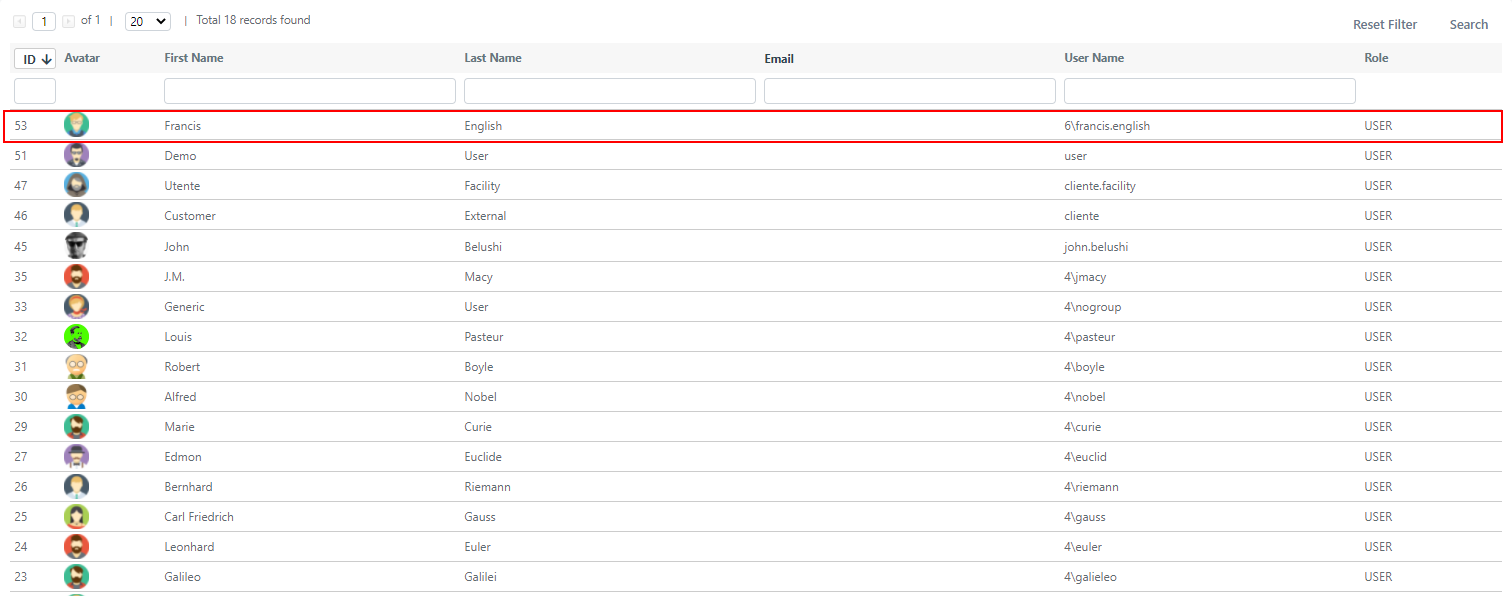
Navigate to System > Permissions > Users.
-
Click on the user you want to promote to open their editing screen.
- Locate the Is Supervisor field and change the value from "No":

to "Company Supervisor":

- Click Apply or Save to confirm. The user is now a Company Supervisor and can view all Service Operations belonging to their company.