Associate Email Domains with a Company
In Deepser, you can associate a domain with a company. When Deepser receives an email from an unregistered user whose domain is associated with a company, it automatically links that email to the correct company. This is useful for automatically routing incoming Service Operations to the right company.
Add an Email Domain to a Company
To add an email domain, follow these steps:
-
Go to System > Company.
-
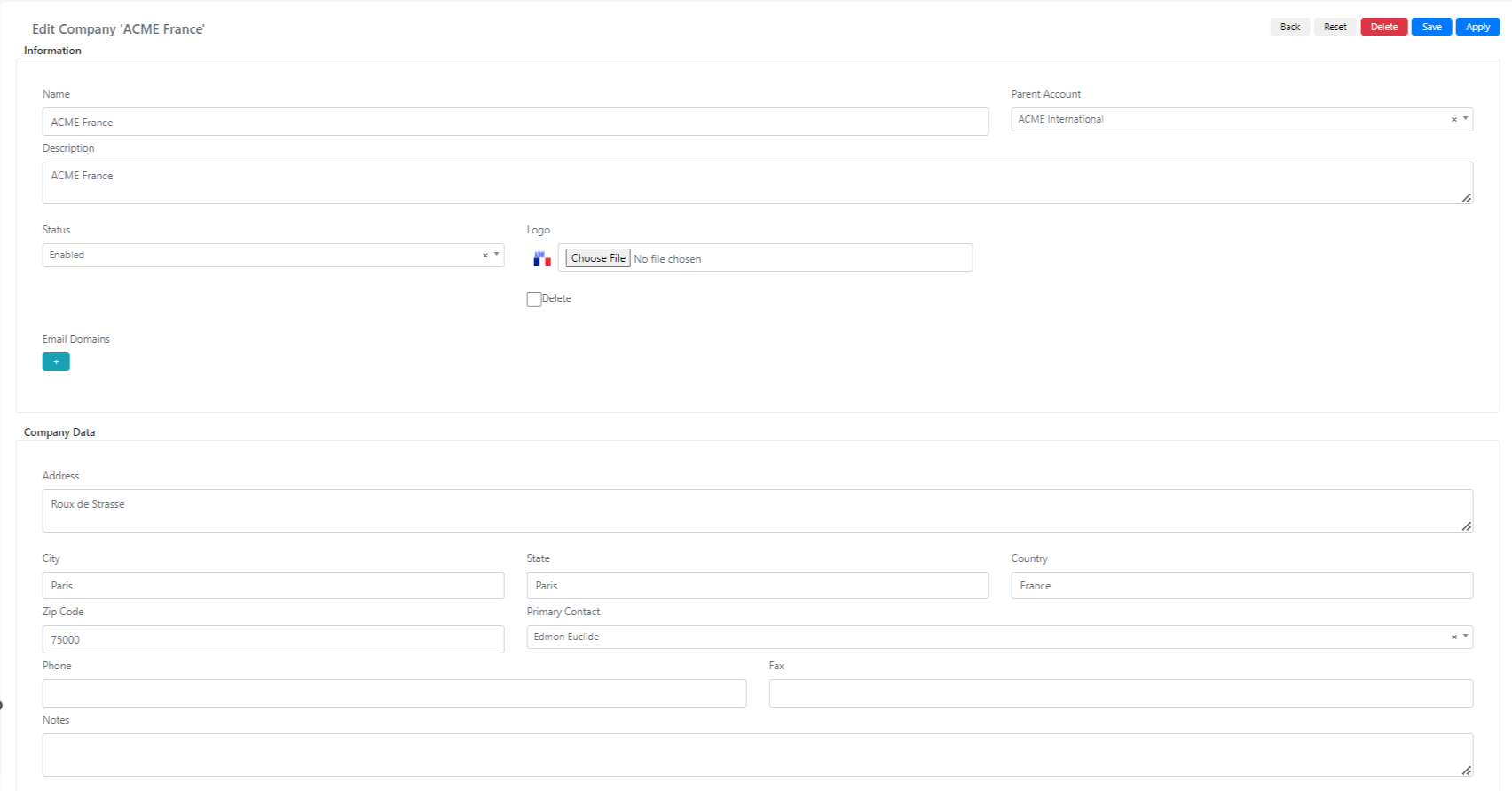
Select the company to which you want to associate the domain.
-
Go to the Email Domains field and click the + button.
-
In the text field that appears, enter the domain in the format
domainname.ext-- for example,example.com. -
Repeat this process for all domains you want to associate with the company.
-
Click Save or Apply.
The company settings will be saved, and any emails received from these domains will be associated with the company.