Groups Overview
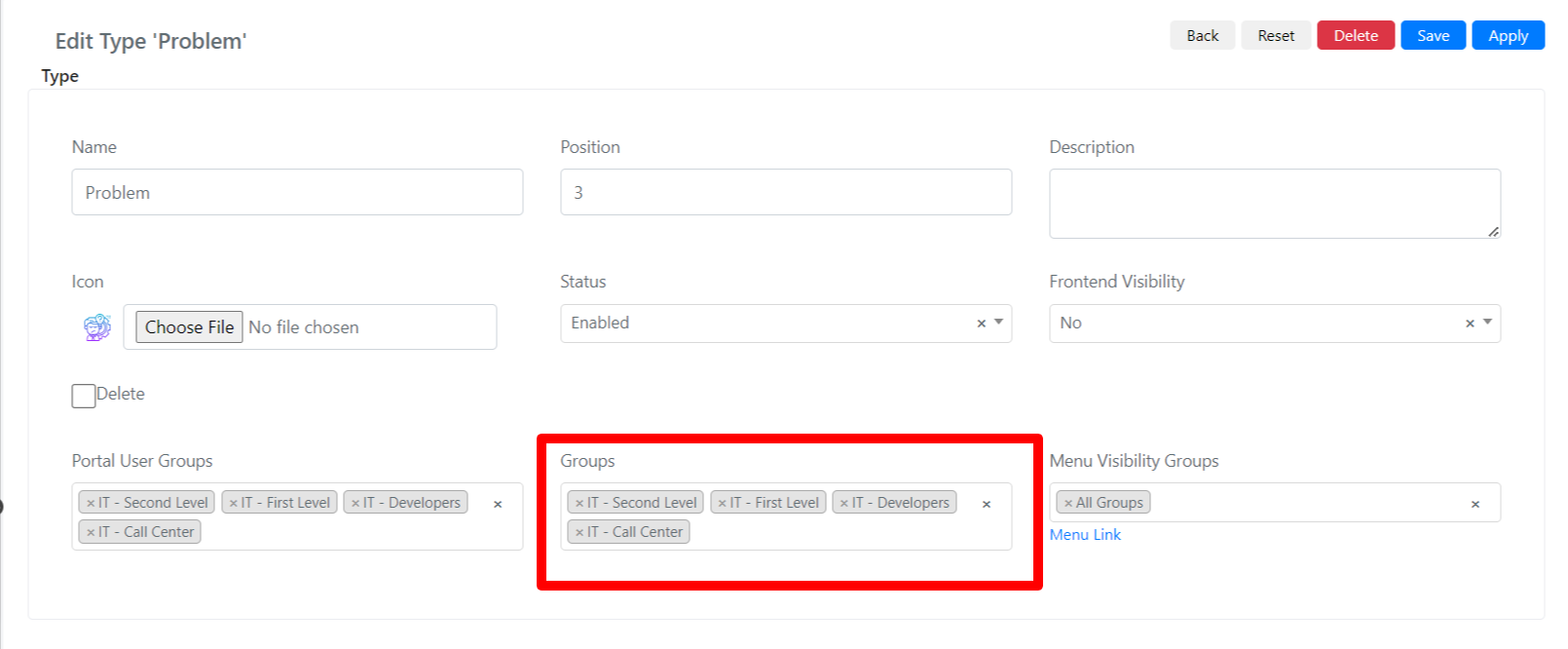
Once users are created, Deepser allows you to organize them into groups. Groups represent work teams of Deepser Backend users (Key-User, Operator, Administrator) or end users. A user can belong to several groups simultaneously. Through groups, you can manage two fundamental aspects of access control: record assignment and visibility.
Record Assignment
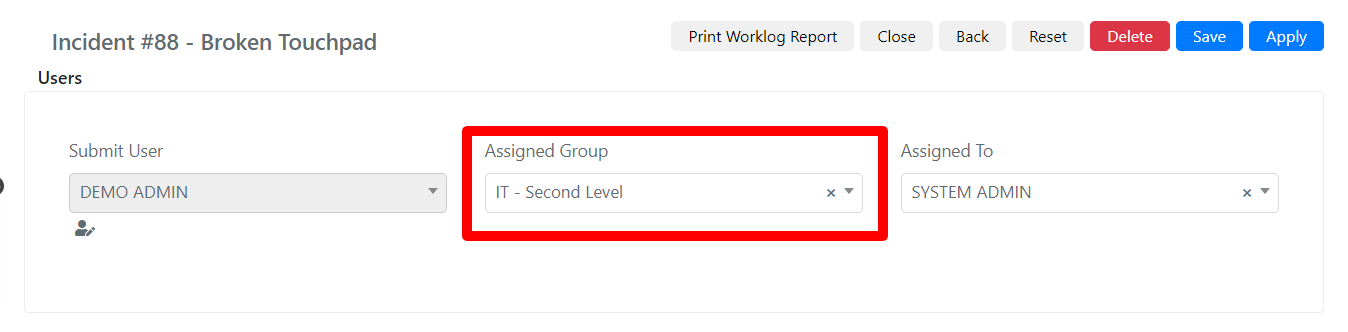
Once group configuration is complete, records can be assigned to groups. For example, in the Service module, you can define the assignee group of a Service Operation. Once the group is selected, the select-box with assignable users is automatically filtered according to the members of that group. This ensures that Service Operations are routed to the correct team members.
Records Visibility, Modification, and Deletion Permissions
Deepser allows you to filter the resources a user can access based on their group membership. You can define which permissions (visibility, modification, deletion) each team of users has within the modules they can access. Permission rules can be configured per group, per model, and per action type (Create, Read, Update, Delete, Grid). If a user belongs to multiple groups, the system evaluates the rules from each group to determine effective access.