Resources
Resources represent the modules or services that Deepser makes available to users. By configuring resource visibility, you control which parts of the platform each role can access. This is a core part of Deepser's vertical visibility model, working alongside roles to determine what users see in the sidebar and throughout the interface.
How Resources Work
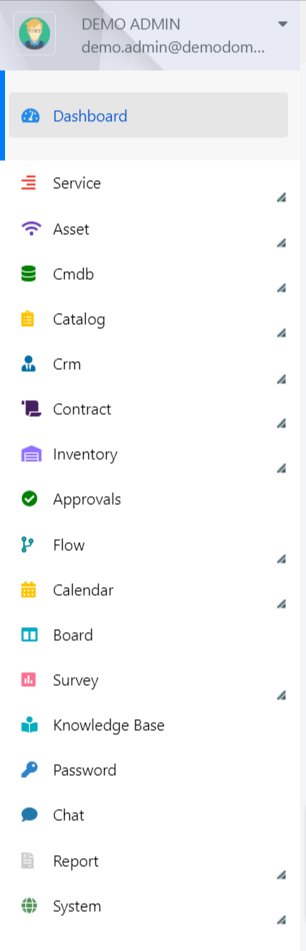
The visibility of resources in Deepser can be set up to the model level. This means a user will only be able to see modules and resources that have been set as visible to their assigned role. For example, you can grant the Operator role access to the Service and CMDB modules while restricting access to the System menu, which is reserved for Administrators.
When creating or editing a role, you configure resource access through the Roles Resources tab. Setting "Resource Access" to Custom allows you to select individual resources from a tree view, while setting it to All removes all resource-level restrictions for that role.
An example of the exposed resources tree is shown below.
Resources work in conjunction with group-based permissions. While resources control which modules are visible (vertical visibility), groups control which records within those modules a user can see (horizontal visibility). Both layers must grant access for a user to interact with a given entity.
Review your role assignments regularly to ensure users have access to the correct resources.