Configure Advanced Live Board Data Collections
This article covers two examples of advanced live board configuration in Deepser. You will learn how to use the scripting area to filter data collections and how to load entities based on related record attributes. These techniques go beyond the standard query builder, enabling joins, custom filters, and conditional logic at the board level.
Filter by Status with Scripting
In this example, you replicate the data collection configuration from the previous board, but using the scripting area instead.
To create a live board, go to the menu: Board -> List
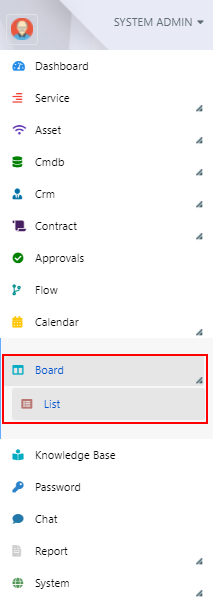
Here, click the "+" button:

The board creation screen will appear. Select "Live" as the board type and "Deep Service Operation" as the Model Alias.
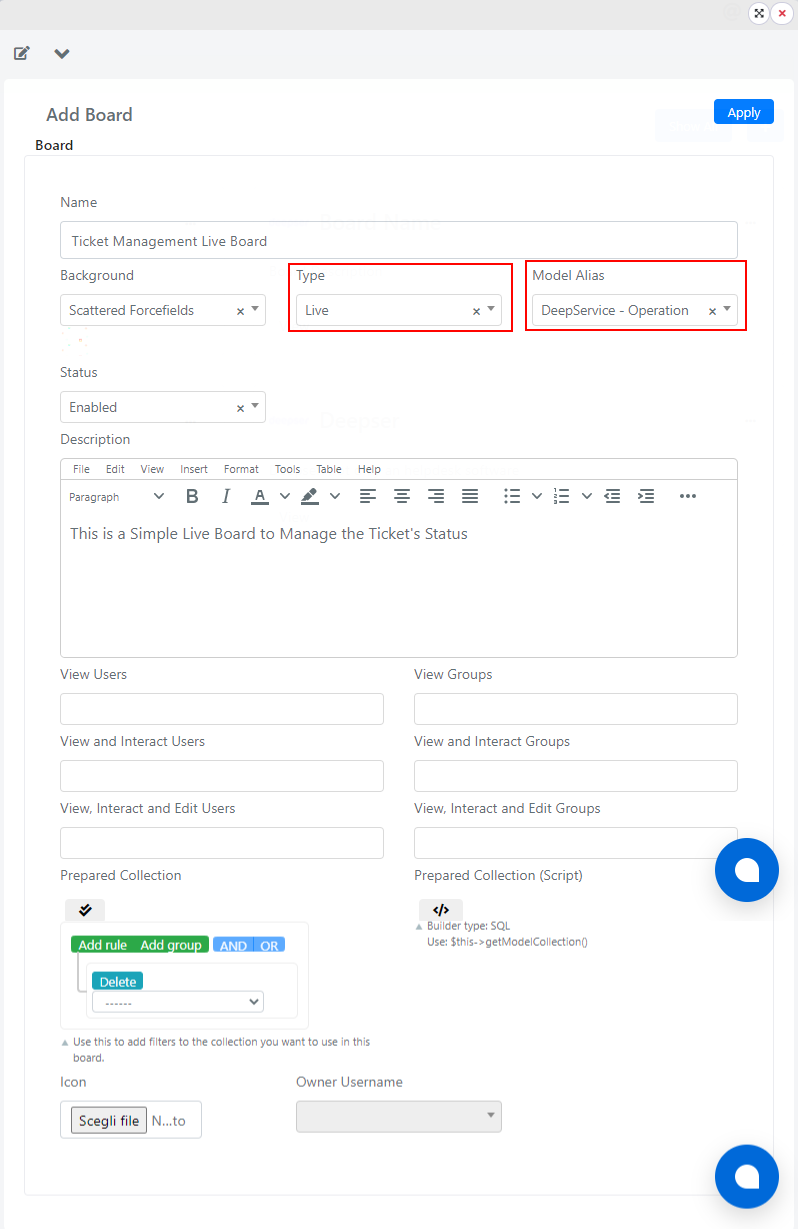
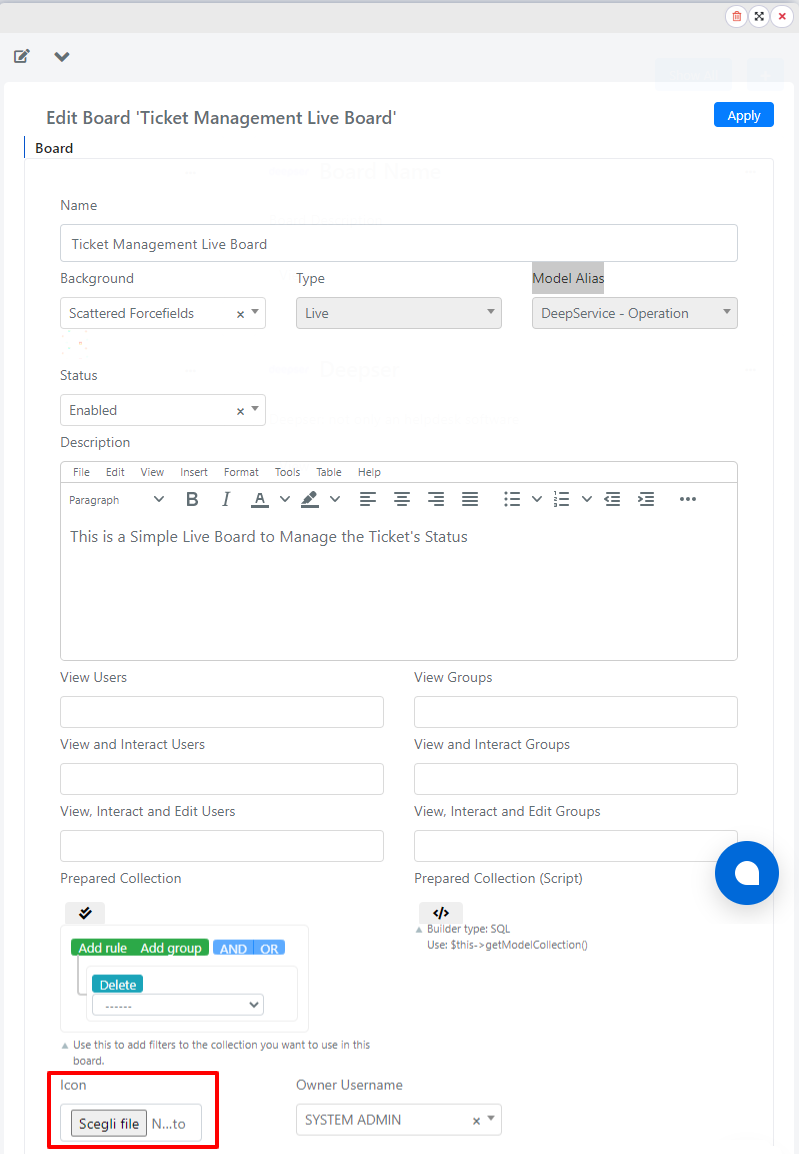
As with freeform boards, you can also add an icon to a live board by clicking the button shown below:
Next, click the Apply button to save the changes.
Now go to the scripting area, as shown in the figure:

In the scripting area that opens, insert the following code:
					/* Only select Service Operations in New and Work in progress statuses**/
$this->getModelCollection() ->addFieldToFilters('status',["in"=>[1,2]]);
Click the Save button to confirm the configuration.

Filter by Related Record Attributes
In this example, you configure a live board that loads all Service Operations for which the requesting user's company has a flag set for priority assistance.
For this example, assume that there is a "cust_prioritary_assistance" field in the company, of the checkbox type.
When the checkbox is checked, the company is considered to have priority assistance.
To create a live board, go to the menu: Board -> List
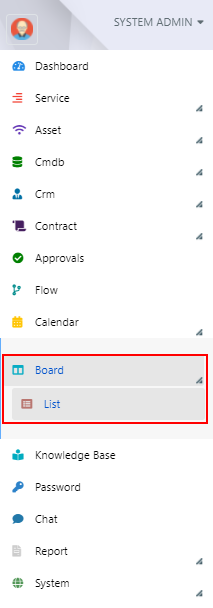
Here, click the "+" button:
The board creation screen will appear. Select "Live" as the board type and "Deep Service Operation" as the Model Alias.
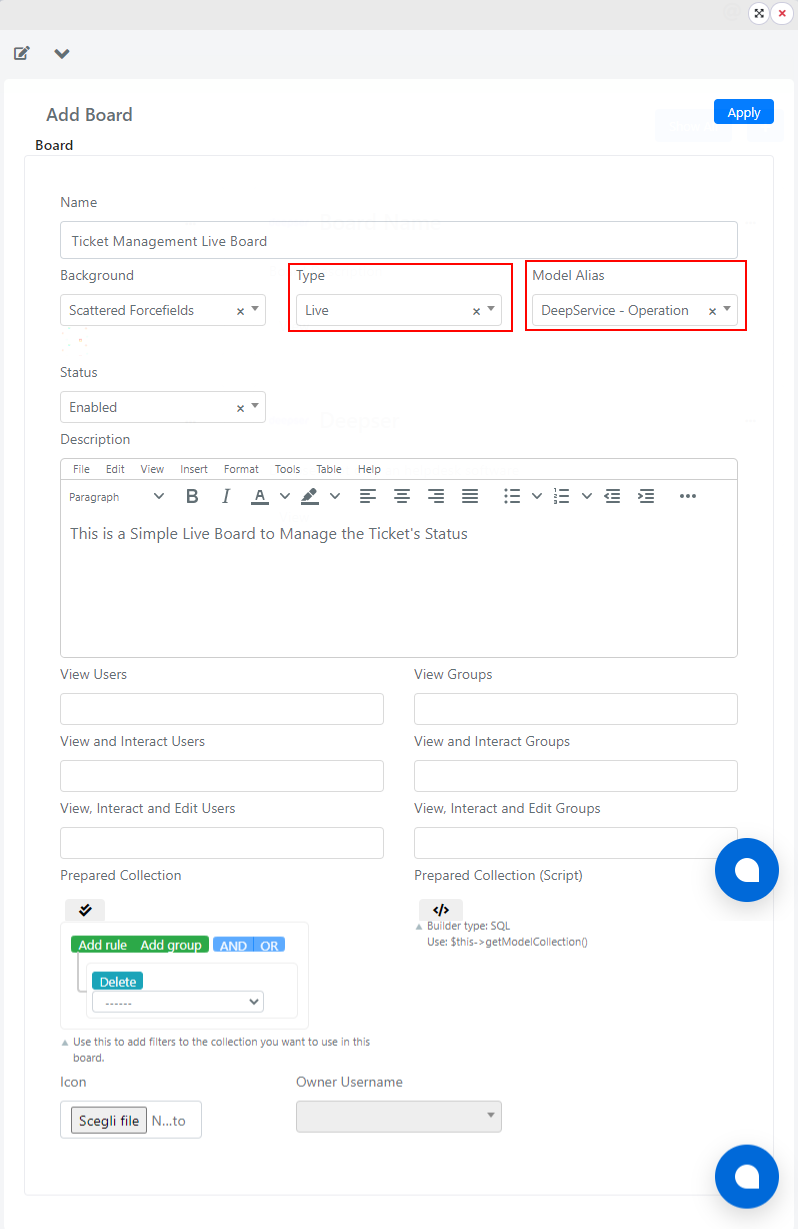
As with freeform boards, you can also add an icon to a live board by clicking the button shown below:
You can now add the following code in the scripting section of the board:
					$this->getModelCollection()->getSelect()->joinLeft('deep_company_company','main_table.requester_company_id = deep_company_company.entity_id',[]);
$this->getModelCollection()->addFieldToFilter('deep_company_company.cust_prioritary_assistance', 1);
Click the Save button to save the board.
Related Articles
- Create and Configure Live Boards -- Basic live board creation
- Configure Advanced Lanes and Drop Code -- Advanced lane configuration