Enable Groups to Create Boards
By default, not all groups have permission to create boards in Deepser. This page explains how to control which groups are allowed to see and create boards through the system configuration. Adjusting these settings ensures that only authorized teams can create and manage board resources.
Configure Board Permissions
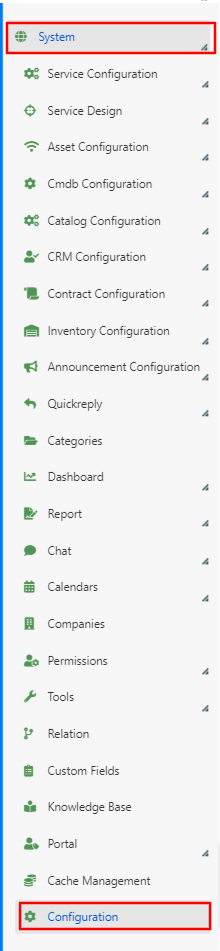
- Navigate to System > Configuration in the Deepser Backend.
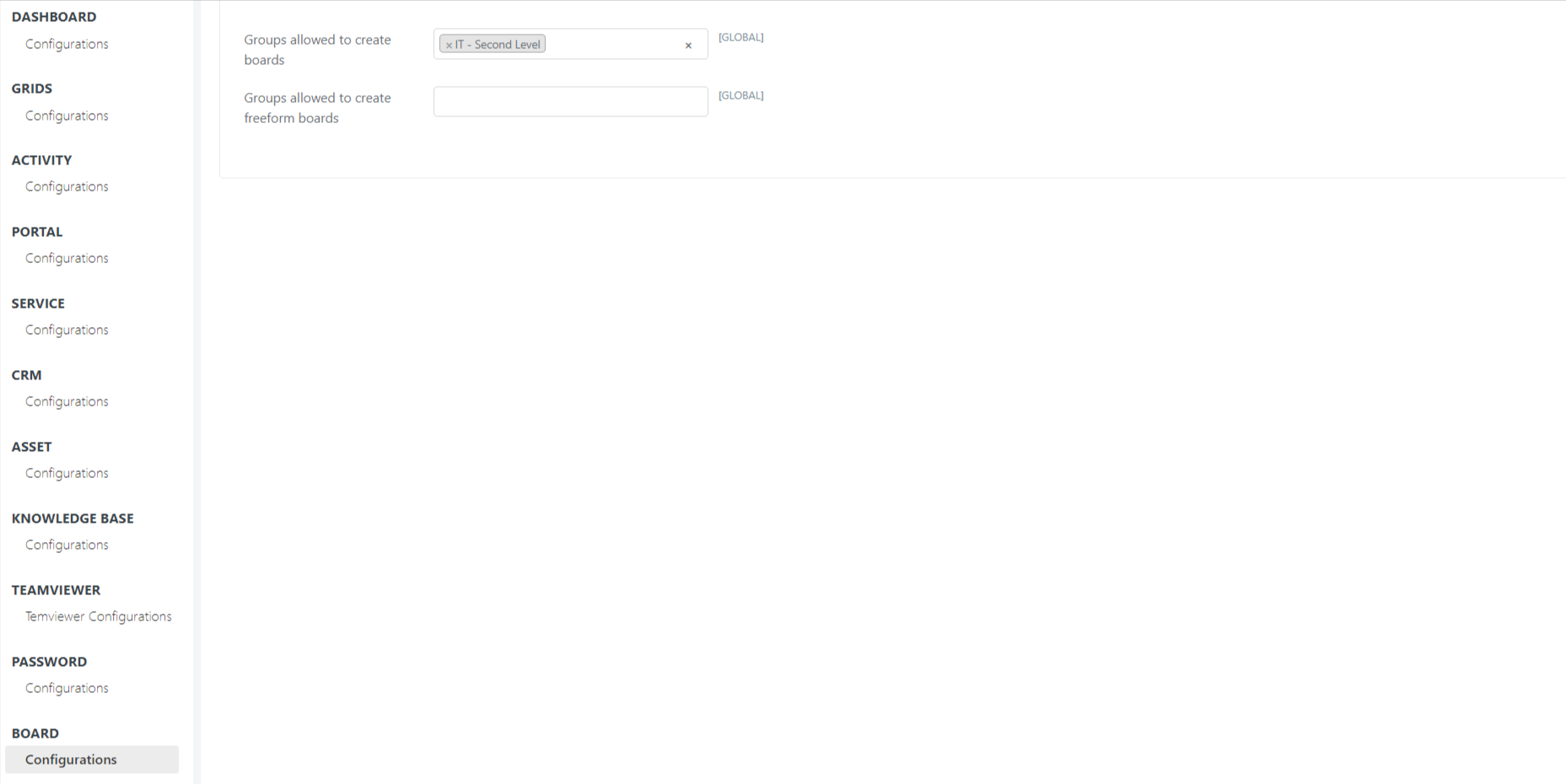
- Open the Board > Configuration tab.
- From the Policy tab, select which groups are allowed to create boards and Freeform boards. You can assign permissions independently for Live boards and Freeform boards.
- Click Save to apply your changes.
tip
Make sure the groups you select here also have the appropriate role permissions to view boards in the Deepser Backend side menu. Without the corresponding menu visibility, users in the group will not be able to access the Board section even if creation permissions are granted.
Related Articles
- Create and Manage Freeform Boards -- Create and customize Freeform boards
- Create and Configure Live Boards -- Create boards connected to data models