Create and Move Board Entries
Entries are the individual items that live inside board lanes. On Freeform boards, entries are standalone items you create manually. On Live boards, entries represent existing Deepser entities such as Service Operations. This guide explains how to create a new entry on a Freeform board and how to move entries between lanes.
Create a New Entry
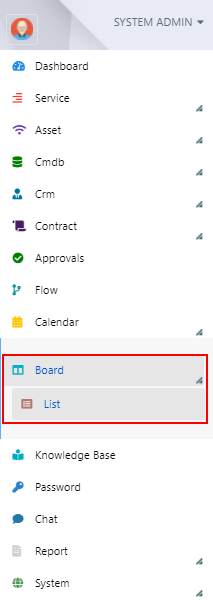
To create a new entry, go to the section: Board -> List:
- Navigate to the board where you want to insert the entry (in this example, "Board Name").
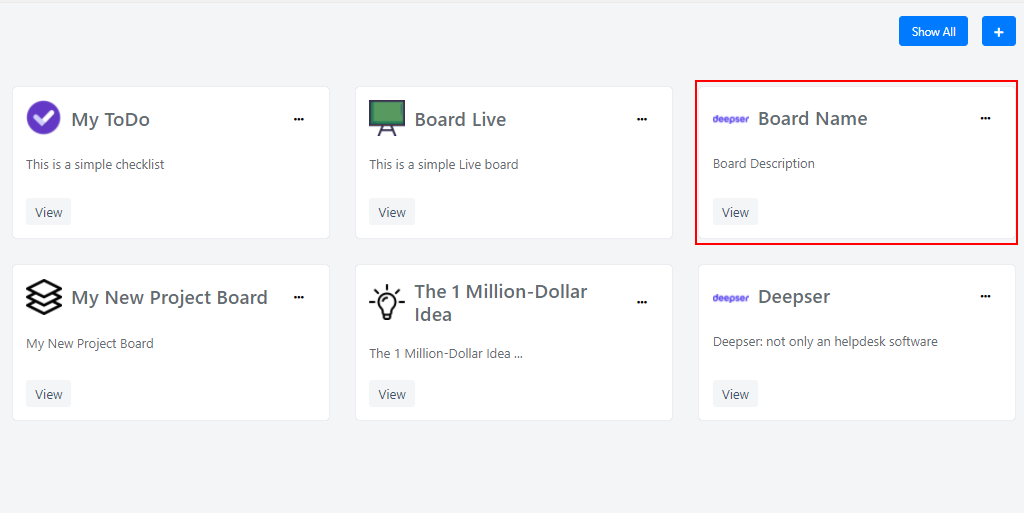
- Click the View button to open the board.

- Identify the lane where you want to add the entry.

- Click the + button on the lane.

- Enter a title for the new entry and click the tick button to confirm.

The new entry now appears in the lane.

Move an Entry Between Lanes
To move an entry to another lane, click on it and drag it to the new lane.
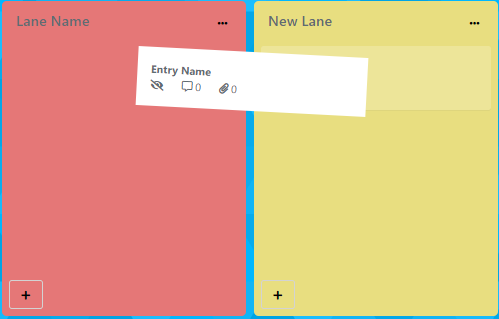
Once the entry is released, the result will be as follows:

Related Articles
- Create and Manage Freeform Boards -- Create and customize Freeform boards
- Create and Configure Live Boards -- Create boards connected to Deepser data models