Enable the Chat on Portals
The Deepser chat widget can be enabled on the User Portal and Guest Portal. Follow these steps to activate the chat and make it visible to your users.
Enable the Chat
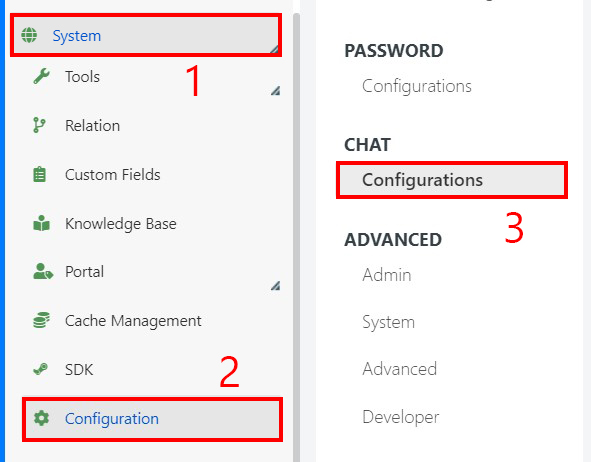
- Navigate to System > Chat > Configuration.
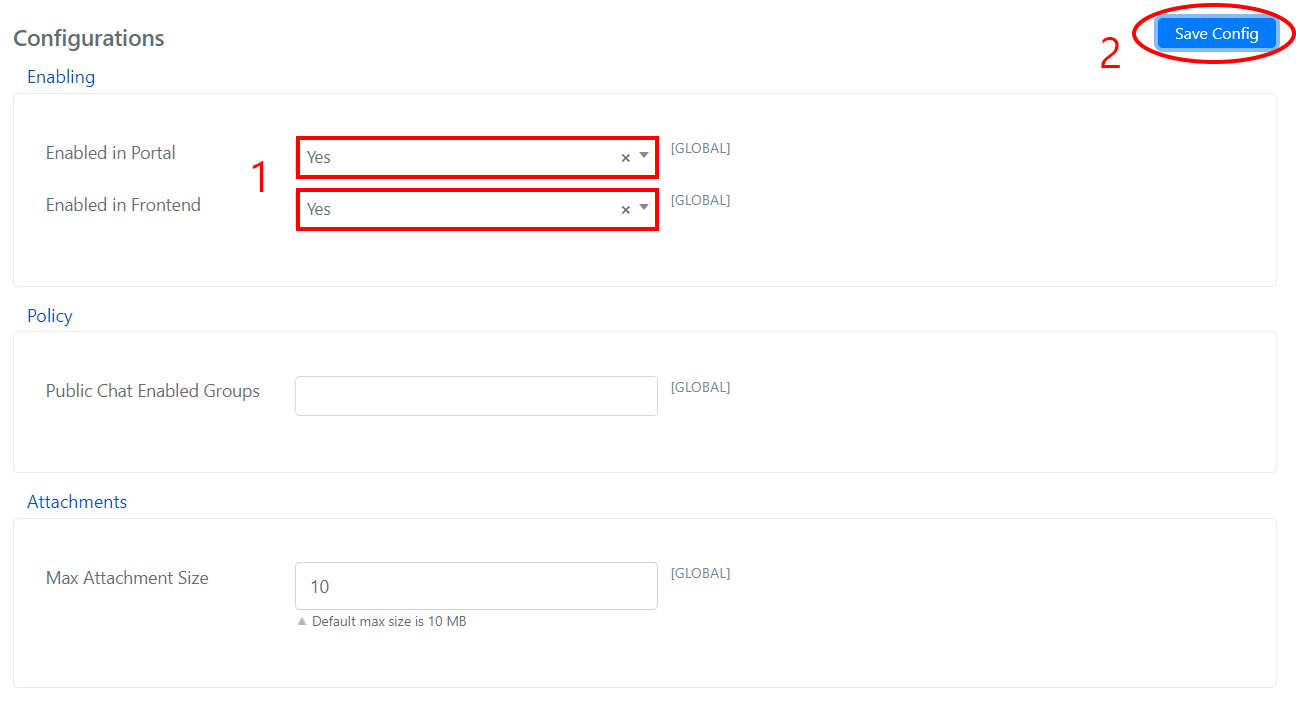
- To display the chat widget in the User Portal, set Enabled in Portal to Yes. To make it available in the Guest Portal, set Enabled in Frontend to Yes. Then click Save Config.
note
Public Chat Enabled Groups specifies which groups can manage public chat messages. Max Attachment Size sets the maximum file size for attachments.
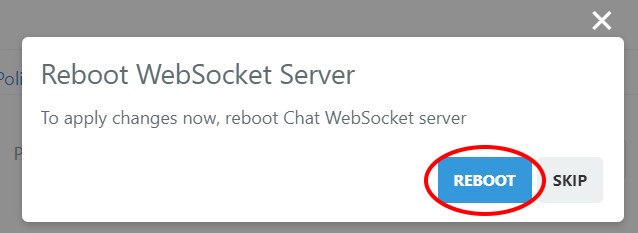
- Reboot the Chat Websocket Server to apply the configuration.
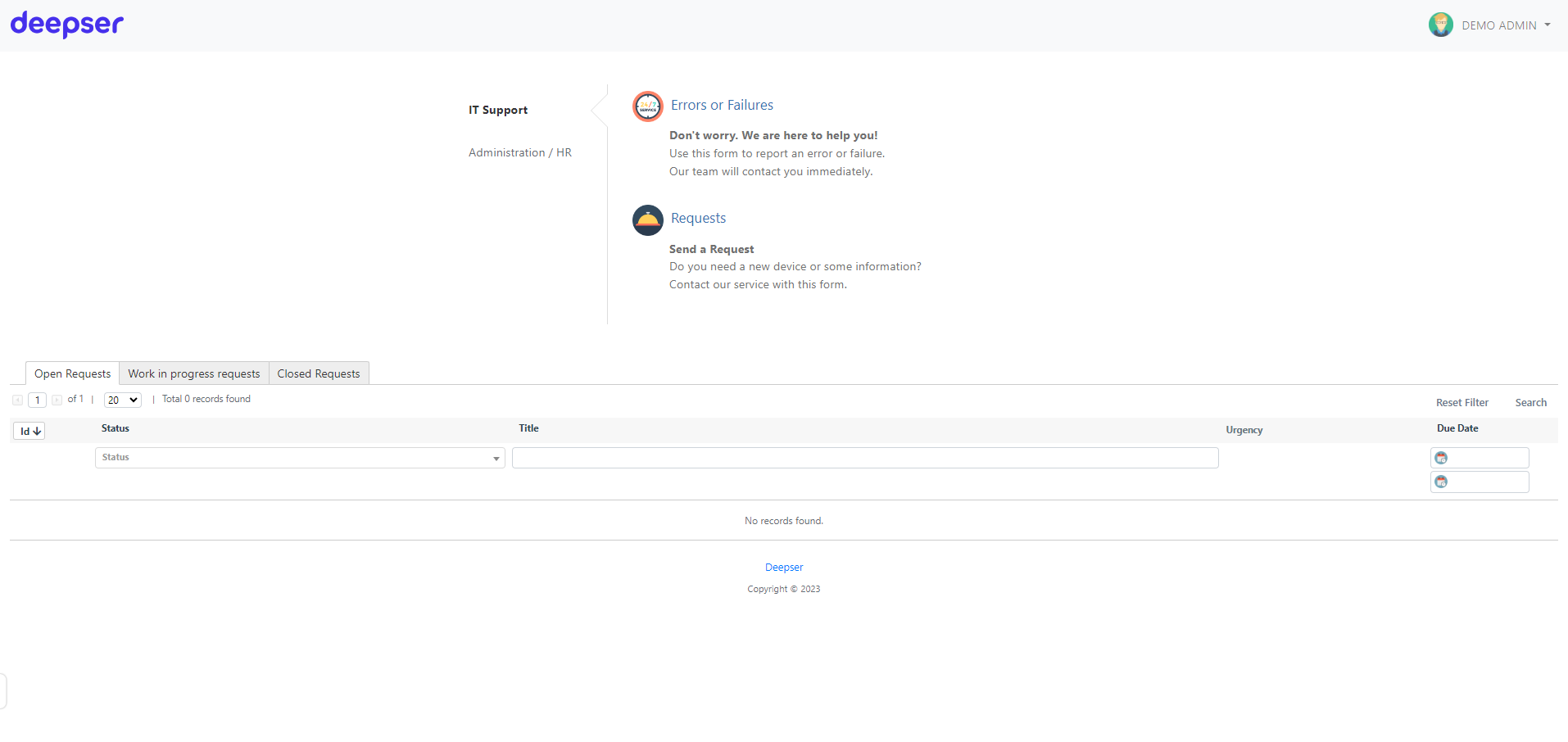
- Once complete, the chat widget appears in the portals where it has been enabled.