Set Up a Public Chat Widget
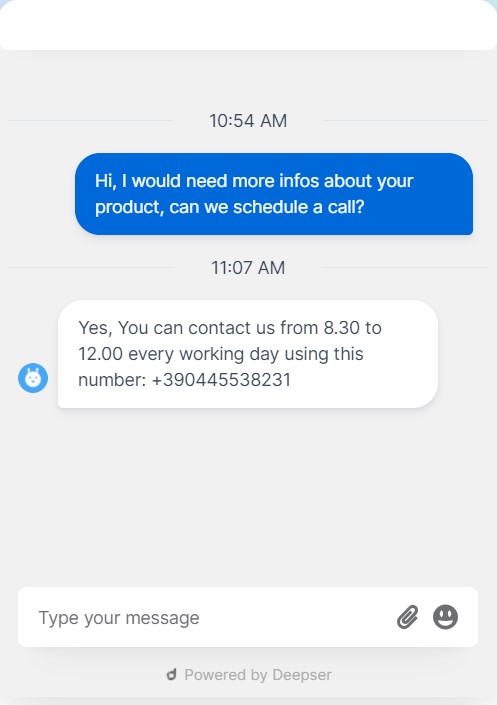
Deepser's public chat is a User Portal chat available as a widget on any website or web service through an embedded script. It allows unregistered users to send messages that are then managed by Key Users, Operators, and Admins in the Deepser Backend.
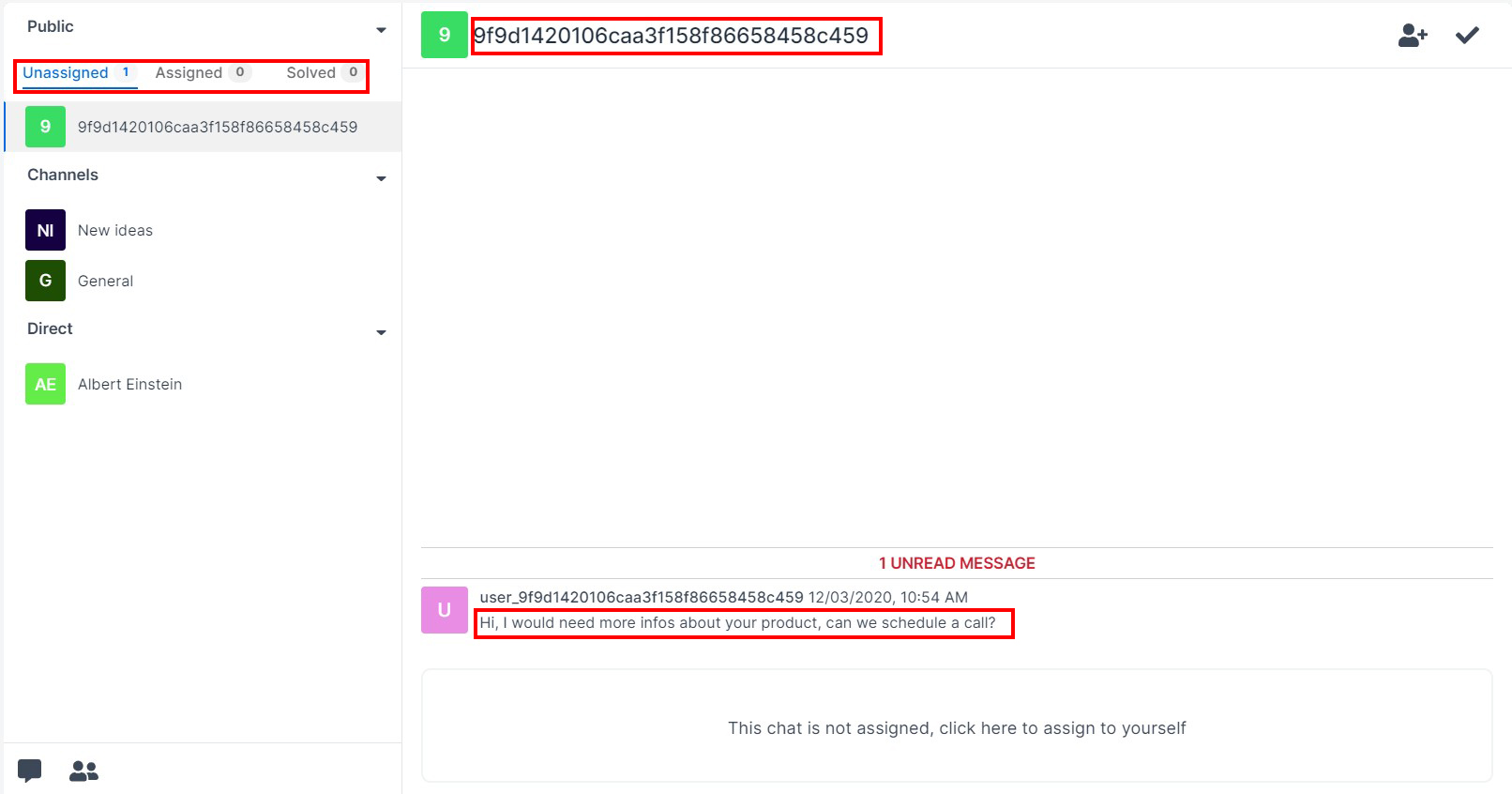
Any communication made through the public widget or the Guest Portal appears in the Deepser Backend, identified by a unique code representing the cookie stored on the sender's machine.
Chat Statuses
On the left side, you can see the three statuses of a public chat:
- Not Assigned -- The chat has not yet been assigned to a Key User, Operator, or Admin. Any correctly configured user with one of these roles can see the message, but cannot respond until it is assigned.
- Assigned -- The chat is visible only to the assigned user, who can respond.
- Resolved -- The conversation has been concluded.
Assign and Resolve Chats
- To assign a chat, click the icon at the top right. To manage the Service Operation personally, click below the message.
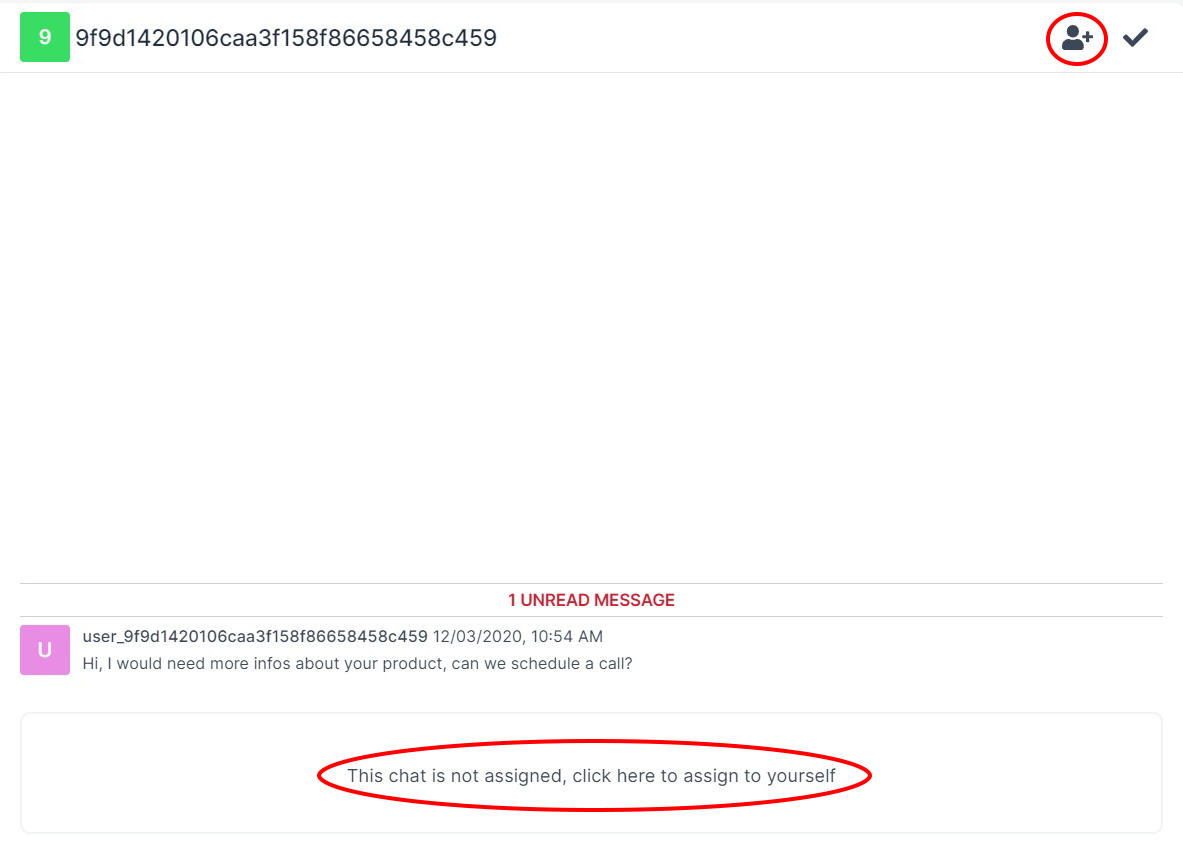
- To mark a conversation as resolved, click the tick button.
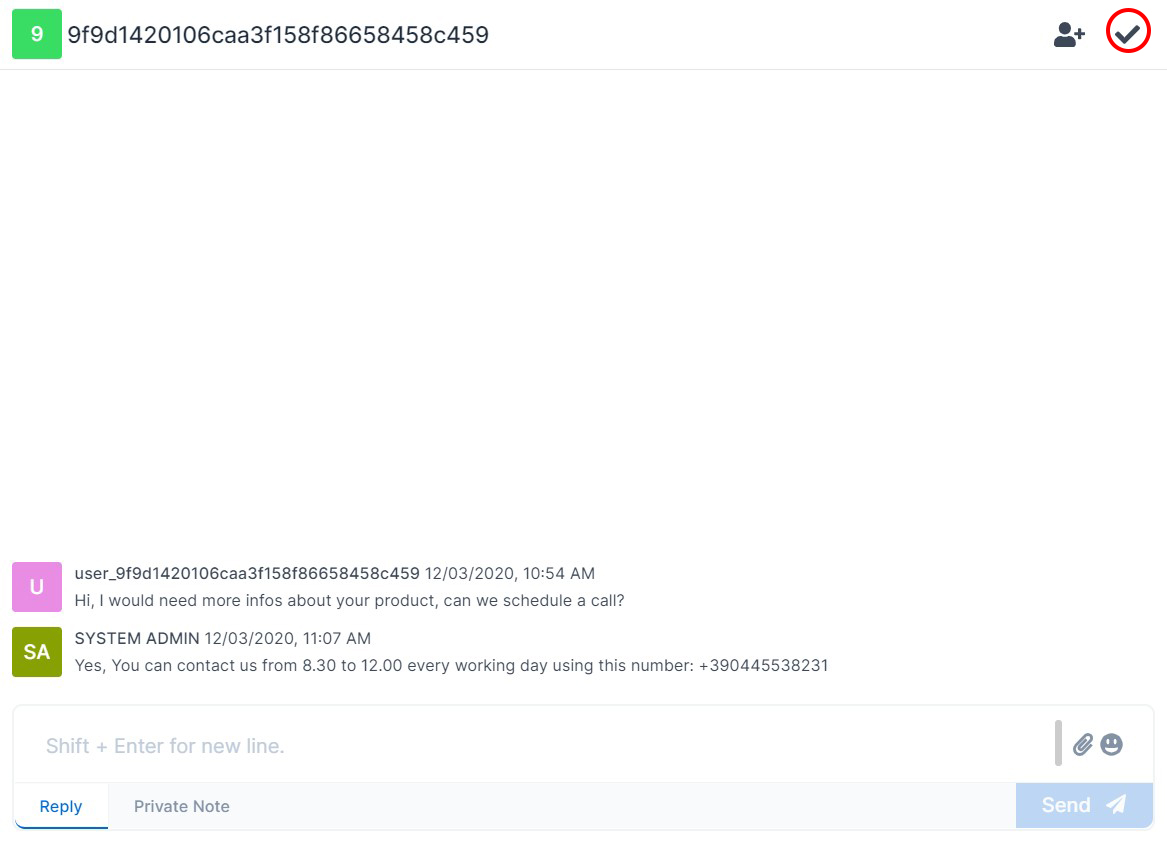
The user then sees the response in their chat widget.
Configure the Widget
Deepser allows you to integrate the User Portal chat into any website using a dynamically generated script. Follow the steps below to configure and embed the chat widget.
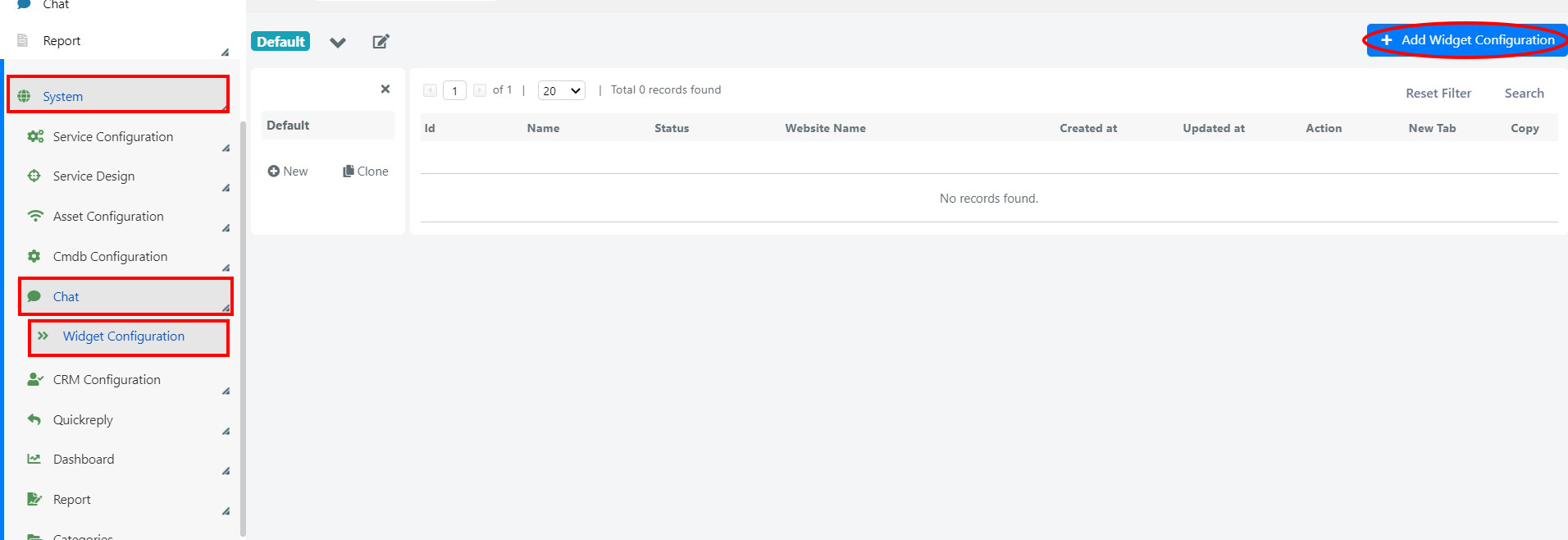
- Go to System > Chat > Widget Configuration, then click Add Widget Configuration.
- Fill in the widget configuration form, then click Save.
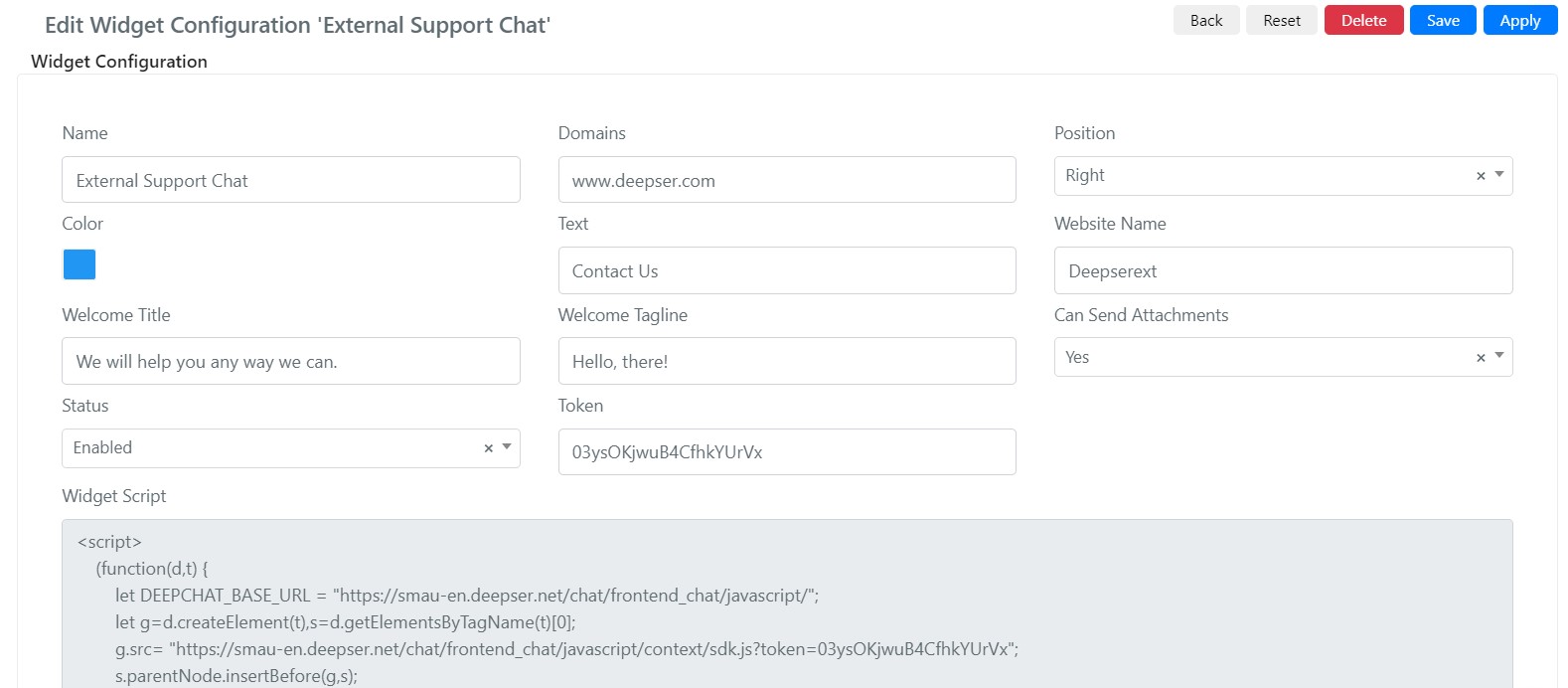
| Field | Description |
|---|---|
| Name | The name of the widget. |
| Domains | The list of domains from which the widget can be called through the script. |
| Position | Where the widget appears (bottom right or bottom left). |
| Color | The color of the widget. |
| Text | The text displayed in the bubble icon to open the widget. |
| Website Name | The name of the website displayed in the widget. |
| Welcome Title | The welcome title shown when a user opens the widget for the first time. |
| Welcome Tagline | The welcome subtitle shown when a user opens the widget for the first time. |
| Can Send Attachments | Whether users can send files in the chat. |
| Status | Enabled or Disabled. |
| Token | A string that identifies the external implementation of the chat widget (automatically set on save). |
| Widget Script | The embed code generated dynamically on save. |
Embed the Widget
- Once saved, the token and the Widget Script appear. Copy the script code by clicking on the scripting area.
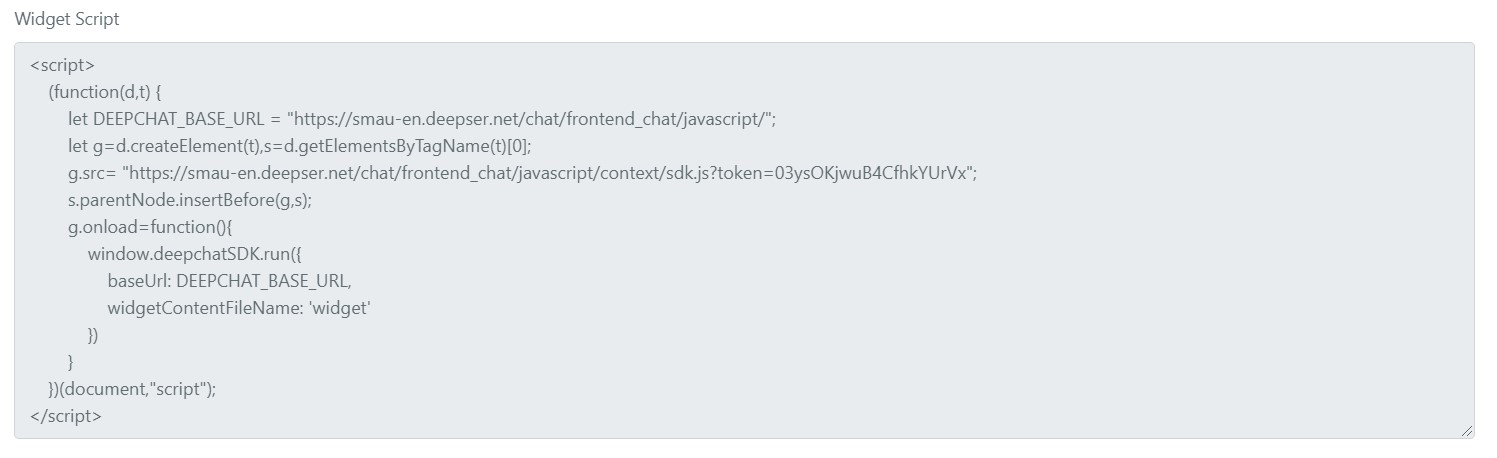
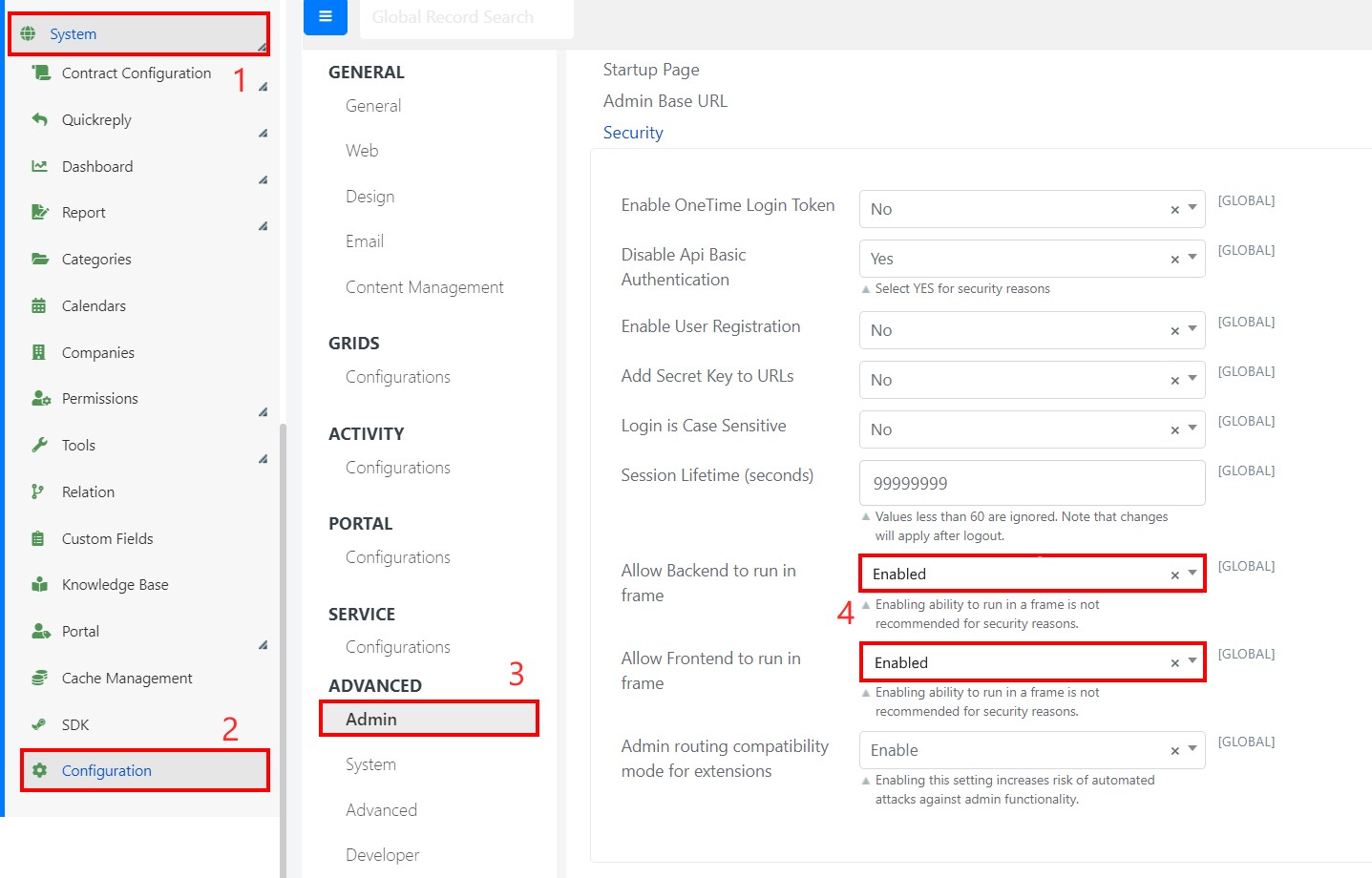
You must enable the Deepser Backend and User Portal to run in a frame. Go to System > Configuration > Admin > Allow Backend to run in frame and Allow Frontend to run in frame.
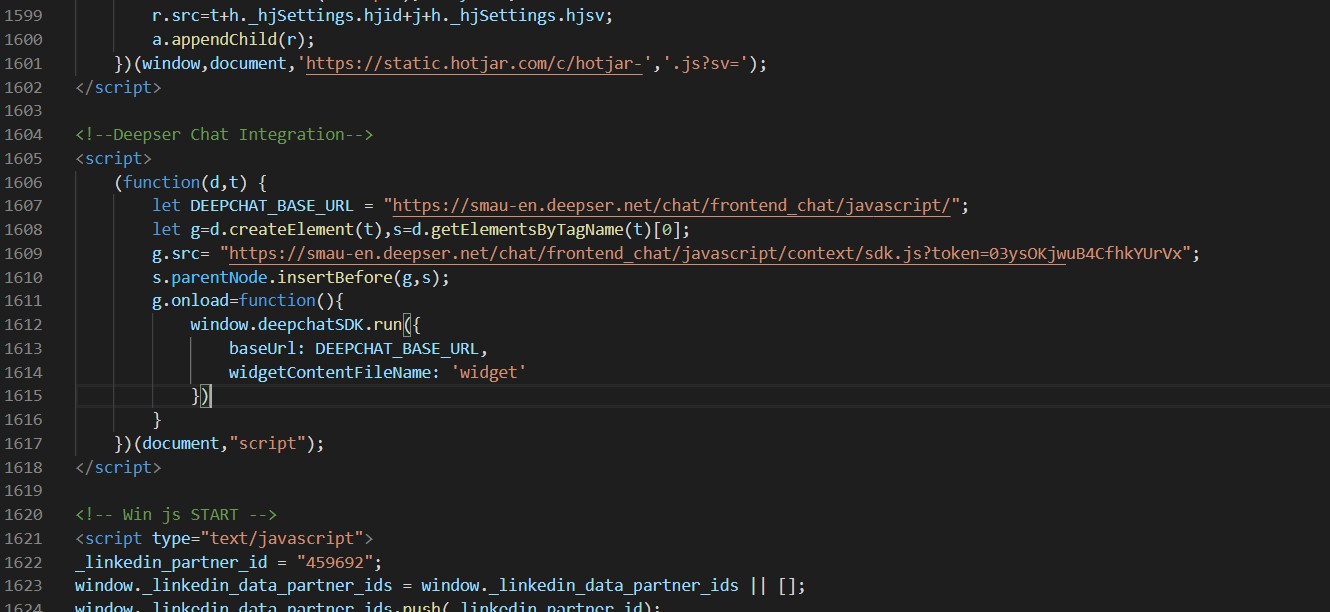
- Insert the code on the page where you want the support widget to appear.
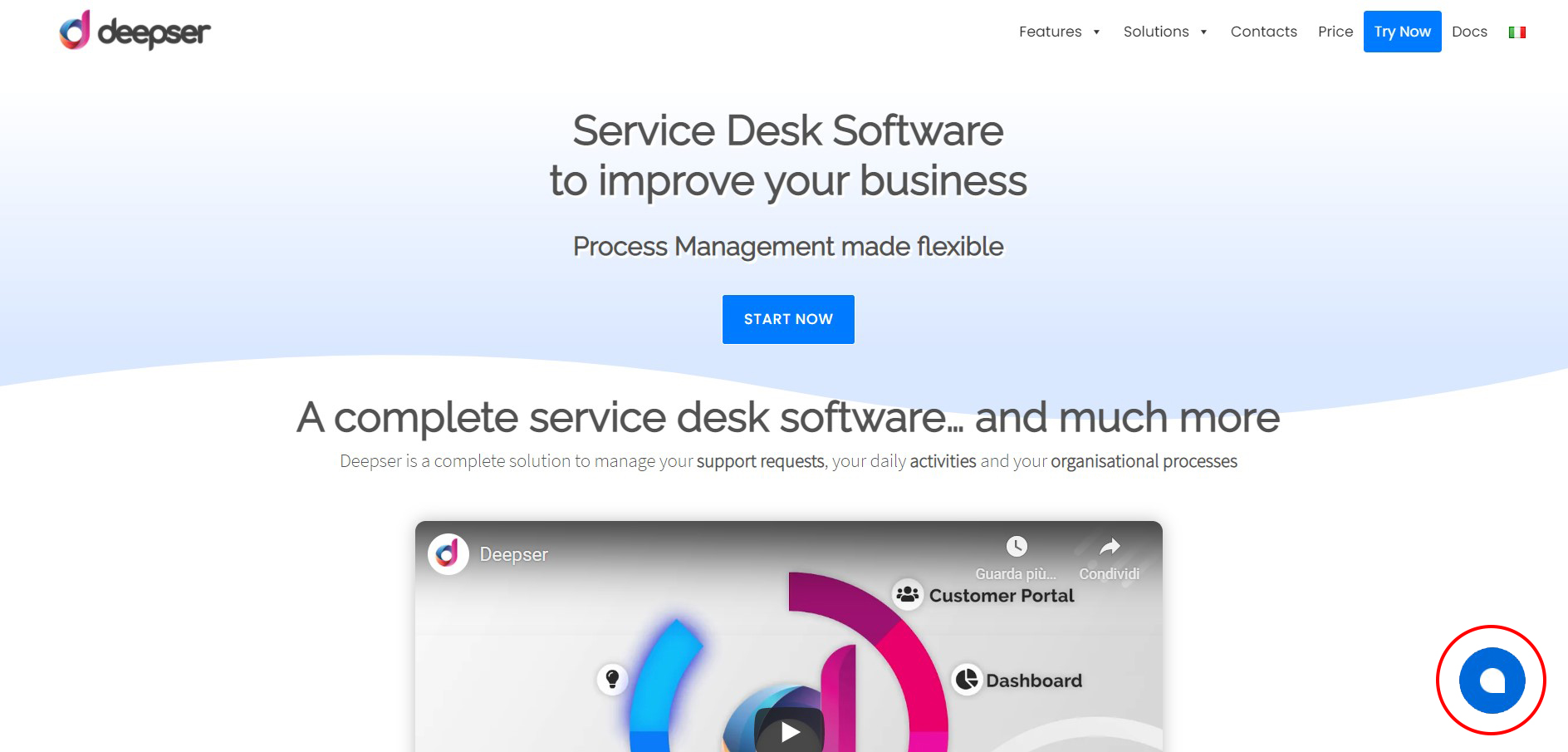
- If the integration was successful, the configured widget appears after a browser cache refresh.
Enable Groups for Public Chat
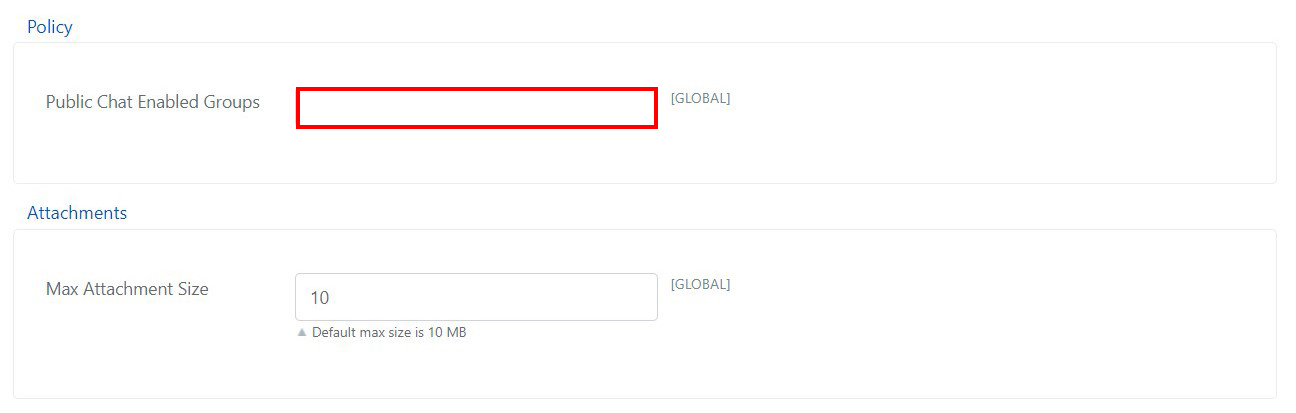
- To enable groups to manage public chat messages, go to System > Configuration > Chat > Configurations, then set the desired groups in Public Chat Enabled Groups.