Configure Contact Types
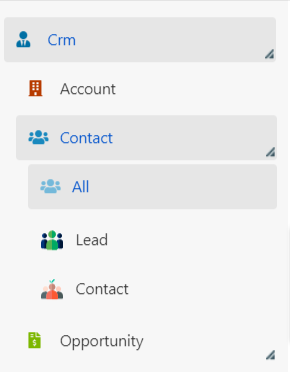
Deepser includes two default contact types -- Contact and Lead. You can define additional types to categorize your CRM contacts according to your business needs.
Create a Contact Type
- Navigate to System > CRM Configuration > Contact Types.
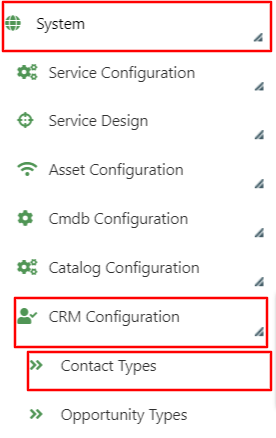
- Click Add Type Contact.

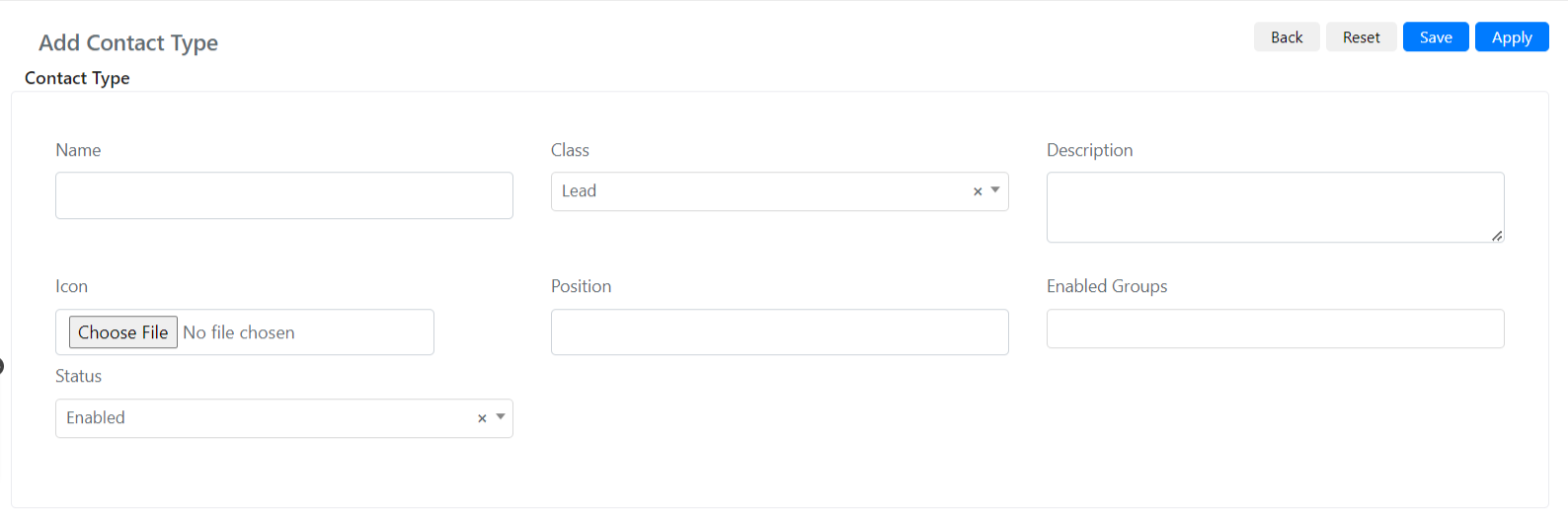
- Fill in the standard insert form:
| Field | Description |
|---|---|
| Name | The name of the Contact type. |
| Class | Indicates the class of the Contact type. |
| Description | A description of the Contact type. |
| Icon | Allows you to upload an icon for the Contact type. |
| Location | Indicates the position of the type compared to other existing types. |
| Groups Enabled | Indicates which groups are enabled to create Contacts of this type. |
| State | Indicates the status (Enabled/Disabled). |
- Click Save. The new Contact type will then be available in the CRM.