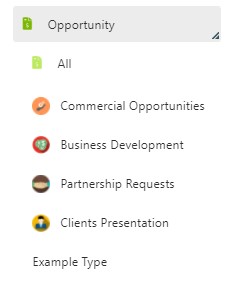
Configure Opportunity Types
You can define custom Opportunity Types to categorize your CRM opportunities according to your business needs, in addition to those already present in the system.
Create an Opportunity Type
- Navigate to System > CRM Configuration > Types of Opportunities.
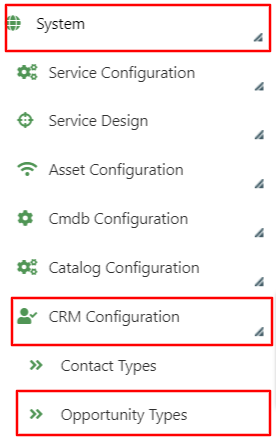
- Click Add Typology Opportunities.

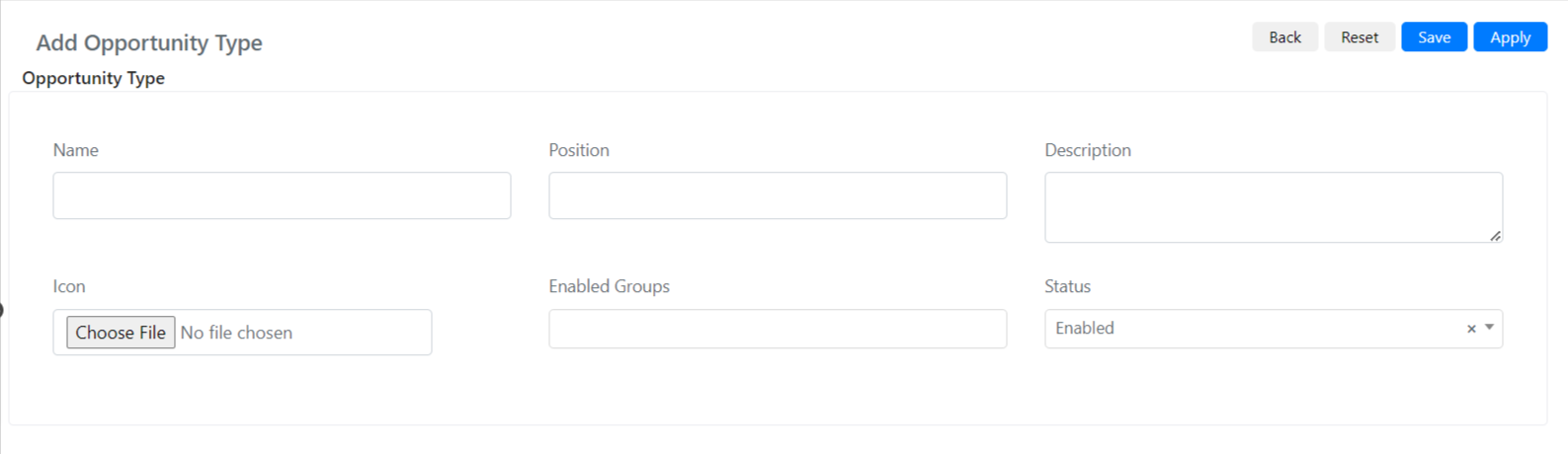
- Fill in the standard insert form:
| Field | Description |
|---|---|
| Name | The name of the Opportunity type. |
| Location | Indicates the position of the type compared to other existing types. |
| Description | A description of the Opportunity type. |
| Icon | Allows you to upload an icon for the Opportunity type. |
| Groups Enabled | Indicates which groups are enabled to create Opportunities of this type. |
| State | Indicates the status (Enabled/Disabled). |
- Click Save. The new Opportunity type will then be available in the CRM.