Configure Email Rules
After configuring an incoming mailbox, you can associate it with email rules. When Deepser receives an email, entities are created or updated based on the logic defined in these rules. A typical use case is creating Service Operations or comments from received emails.
Application Rules
You can specify when a rule executes:
- On Create: The message starts a new thread (the subject does not contain the prefix defined in the mailbox, or the ID does not match any existing entity).
- On Update: The message relates to an already existing entity.
- Always: For every message.
Priority
Each rule has a priority that determines execution order. The higher the value, the sooner the rule is evaluated. Only one rule executes per message -- the first rule whose filter condition is met.
Choosing the correct priority is critical when you have multiple email rules that are not mutually exclusive.
Create an Email Rule
You can create email rules in two ways:
From Scratch
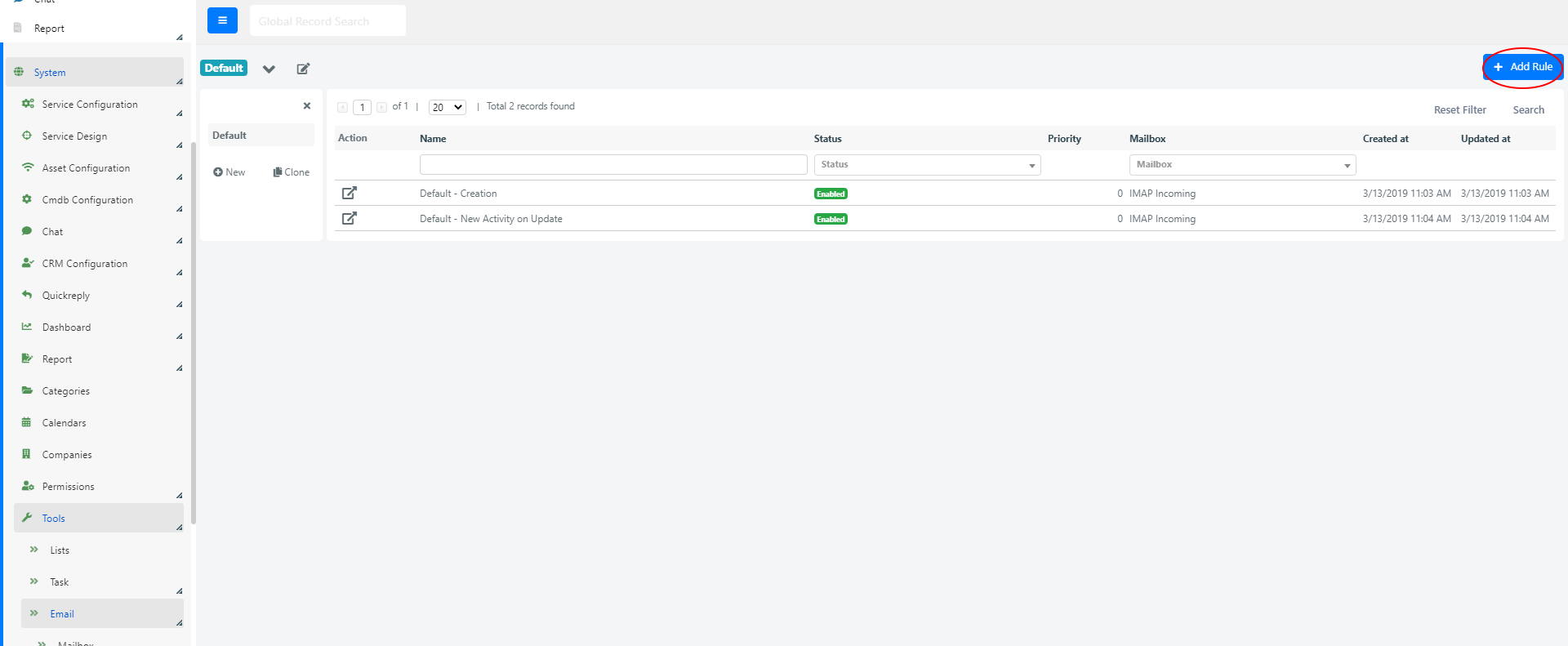
Go to System > Tools > Email > Rule and click the + Add Rule button.
By Duplicating an Existing Rule
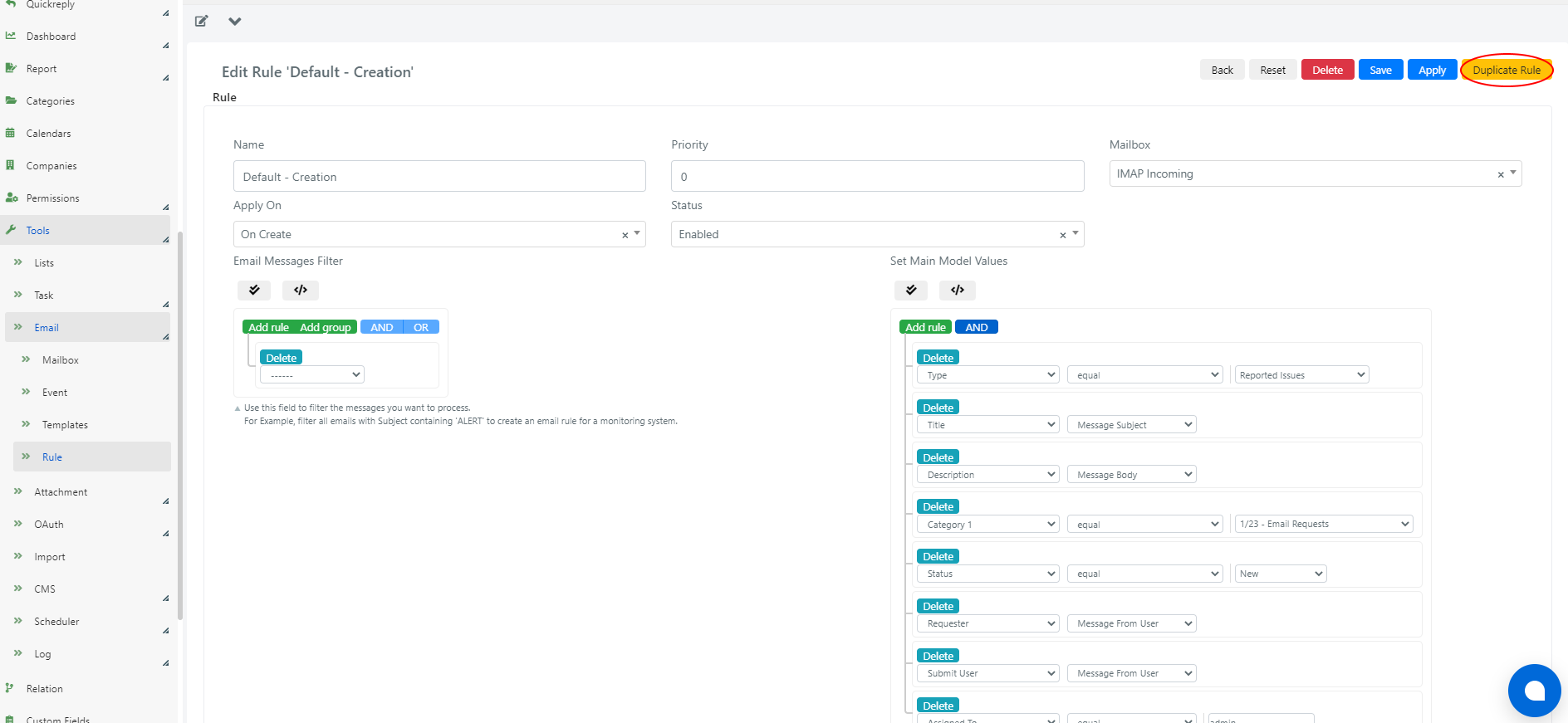
From an existing rule's form, click the Duplicate Rule button. The new rule inherits all configurations and only differs by the name (with a "(copy)" suffix).
Email Rule Fields
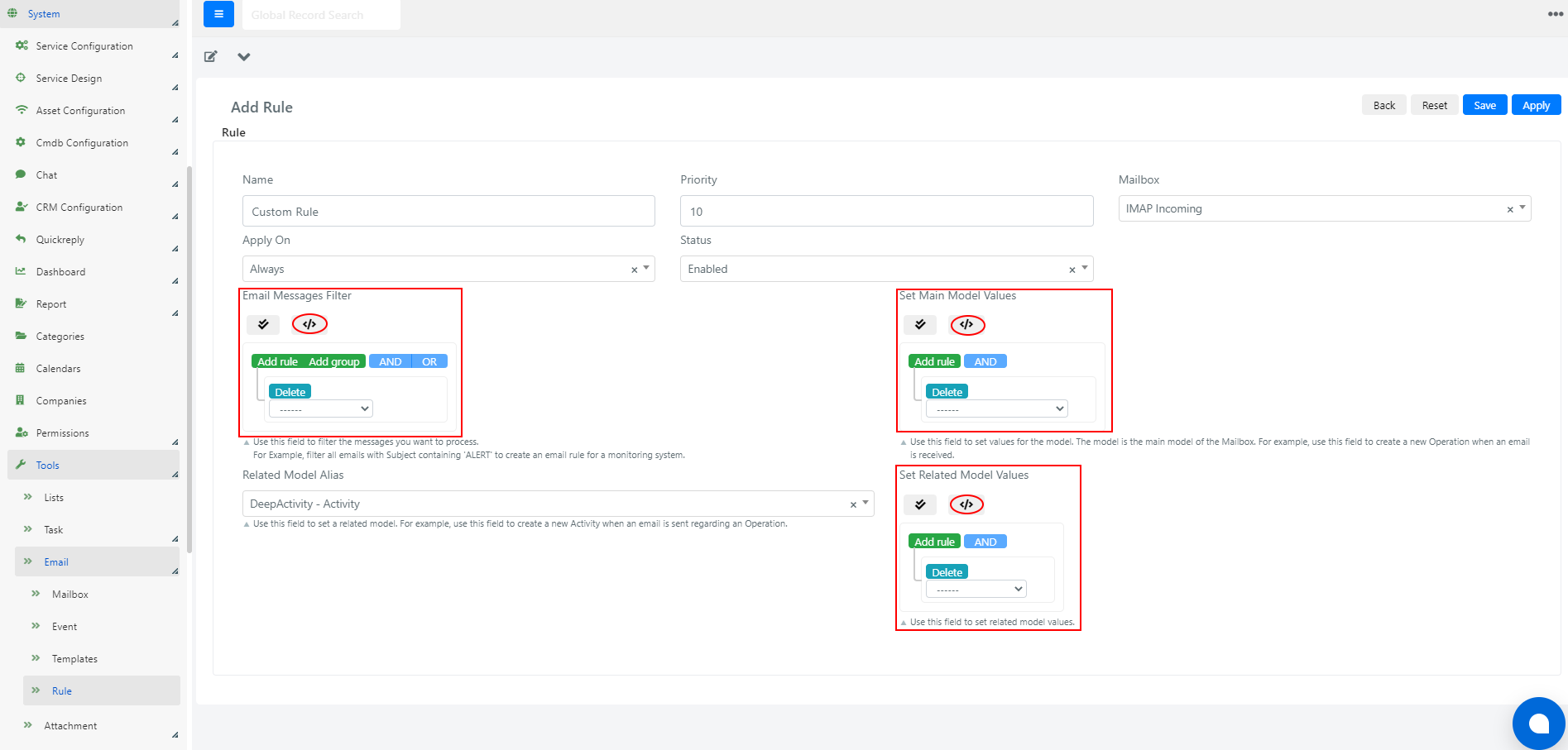
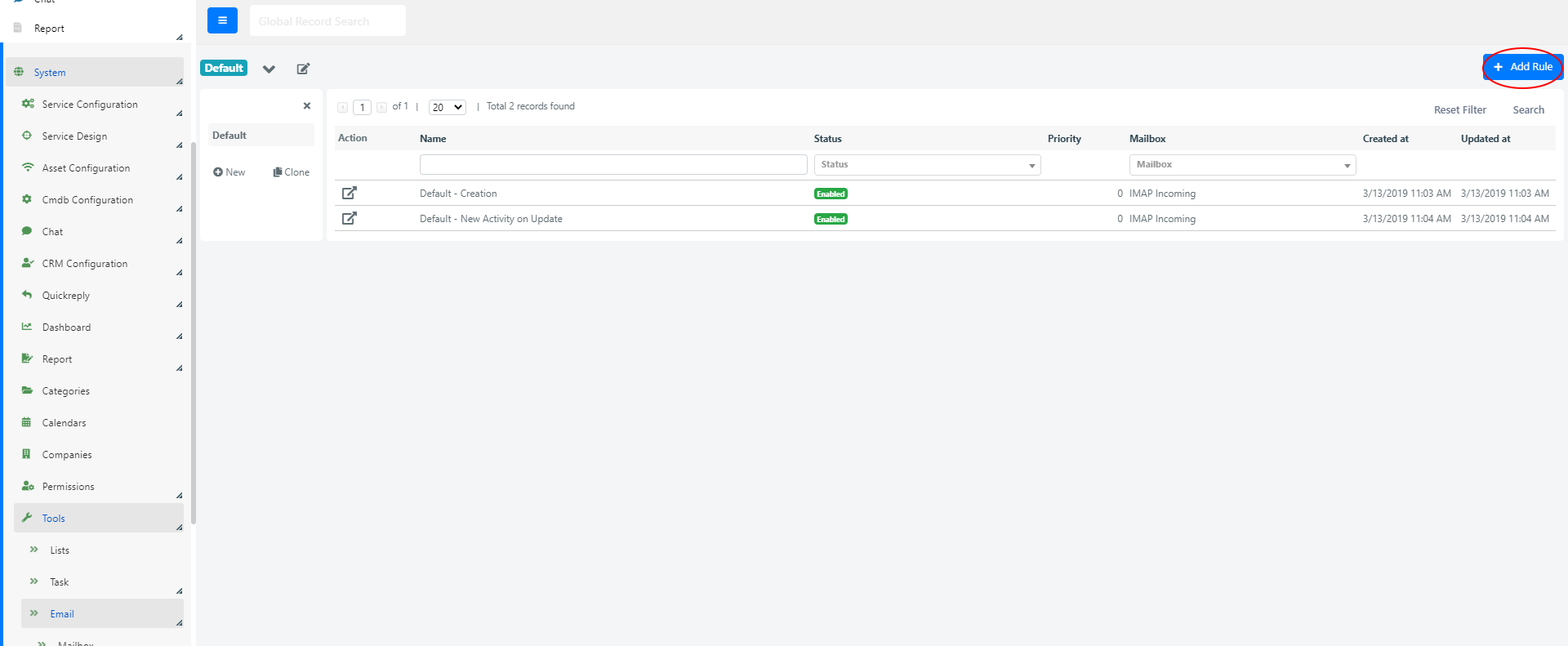
To configure a rule, go to System > Tools > Email > Rule and click on an existing rule or click + Add Rule.
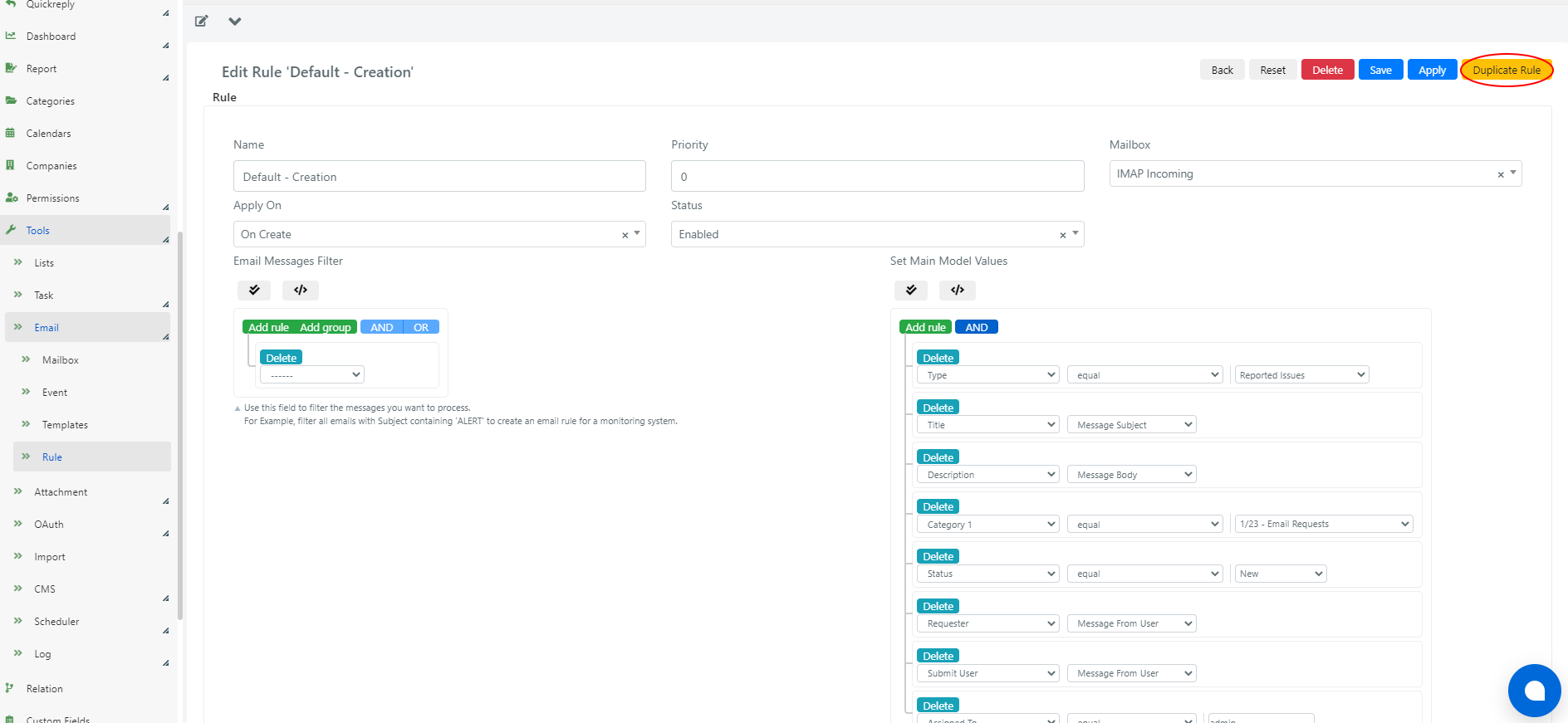
| Field | Description |
|---|---|
| Name | Descriptive name for the rule. |
| Priority | Execution priority. Higher values are evaluated first. |
| Mailbox | The mailbox this rule applies to. |
| Apply On | When the rule is applied: Always, On Create, or On Update. |
| Status | Enabled or Disabled. |
| Email Message Filter | Conditions (via query builder or PHP code) that the incoming message must meet for the rule to execute. |
| Set Main Model Values | How the main model fields (defined in the mailbox configuration) are populated when the rule executes. Configurable via query builder or PHP code. |
| Related Model Alias | Defines the model of related entities to associate with the main model. For example, in "On Update" events, a new message may create a comment rather than a new Service Operation. |
| Set Related Model Values | How the related model fields are populated. Configurable via query builder or PHP code. |
Advanced Email Rule Configuration
For advanced rules, you can use PHP code instead of the query builder. This gives full flexibility over message filtering and field value assignment.
Insert custom code in the Email Messages Filter, Set Main Model Values, and Set Related Model Values fields. Click the </> button to access the scripting area.