Enable Embedded Images in Email Bodies
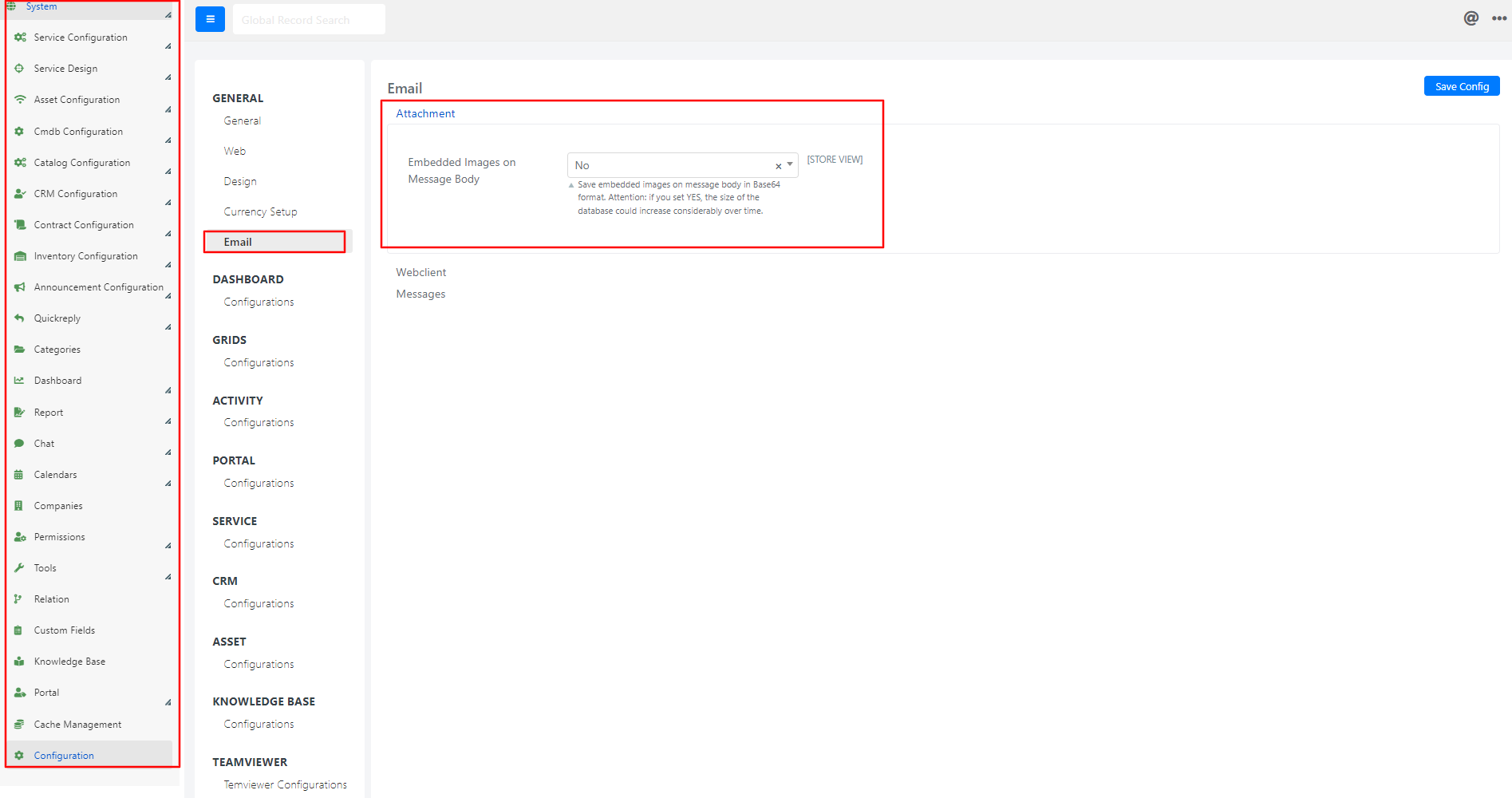
By default, Deepser saves images embedded in incoming email bodies as attachments to the email message rather than displaying them inline (e.g., within the Description field). You can change this behavior so that images appear directly in the message body.
Images can still be viewed from the Email List grid in the Service Operation form, in the Attachments column.
warning
Enabling this option can cause the database size to grow considerably over time, which is why it is disabled by default.
Steps
- Go to System > Configuration > General > Email > Attachment in the Deepser Backend.
- Set the Embedded Images on Message Body option to Yes.