Create Custom Button Actions
You can define custom buttons within a form template to perform actions tailored to your workflow. This article explains how to configure OnClick actions using PHP scripting and provides practical examples.
Access the OnClick Scripting Area
To define a custom OnClick action:
- Open the configuration screen of a button in the form template.
- Click the </> icon next to the OnClick label to open the scripting area.
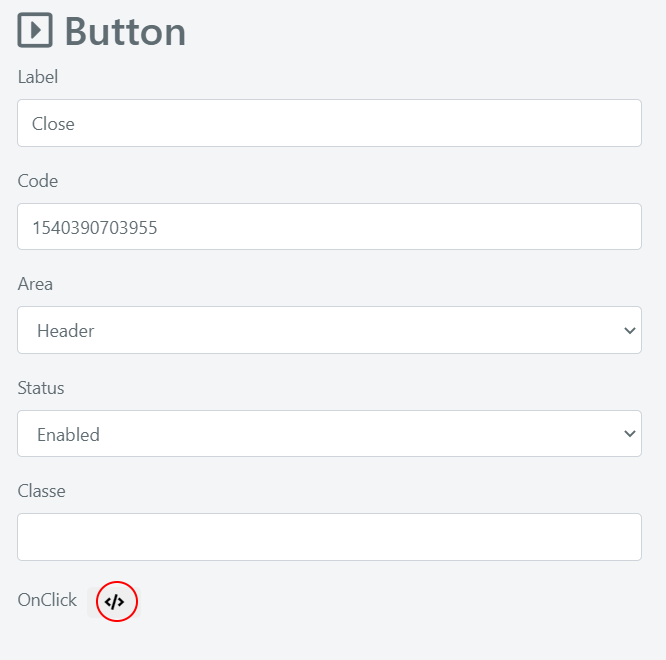
In this area, you write PHP code that builds a string containing JavaScript code. The returned JavaScript is assigned as the button's OnClick handler.
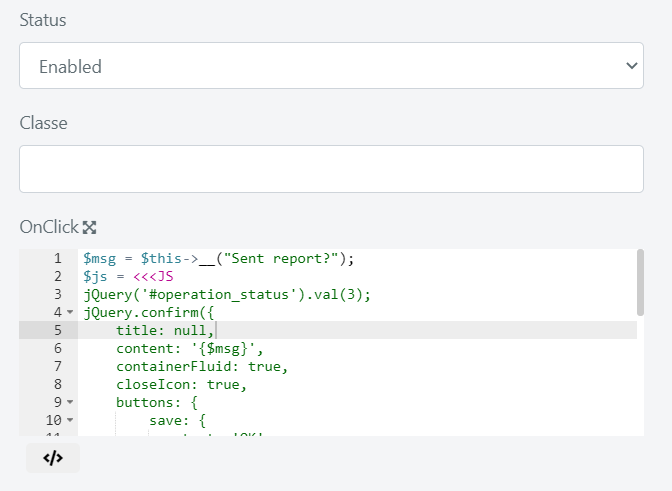
Example 1: Search the Operation Title on Google
This example creates a button that searches Google for the Service Operation title and opens the results in a new browser tab.
#retrieve the title of the current Service Operation
$operationTitle = Deep::registry('current_model_instance')->getTitle();
#build the Google search URL
$url = "http://www.google.com/search?q=".urlencode($operationTitle);
#return the onclick JavaScript code
return "window.open('$url')";
Example 2: Close an Operation and Send a Report
This example creates a button that puts a Service Operation into a closed state and gives the Operator the option to send the report to the requester through an already-configured email event.
// confirmation prompt message
$msg = $this->__("Sent report?");
// $js is a string that contains JavaScript code
$js = <<<JS
if(confirm('$msg')) {
    // set status to closed and trigger email report
    deepFormManager.setFieldValue('status', 3);
    deepFormManager.setFieldValue('send_report', 1);
    deepFormManager.save();
}
JS;
return $js;
The exact field names and status IDs depend on your Deepser configuration. Adjust the values (e.g., status ID 3 for closed) to match your environment.