Configure Grid Renderers and Custom Options
In Deepser, you can define custom Renderer logic and Options column domains for each grid column using PHP code. Renderers control how cell values are displayed, while custom options let you replace raw IDs with human-readable names. This article explains how to access the scripting areas and provides practical examples.
Access the Scripting Areas
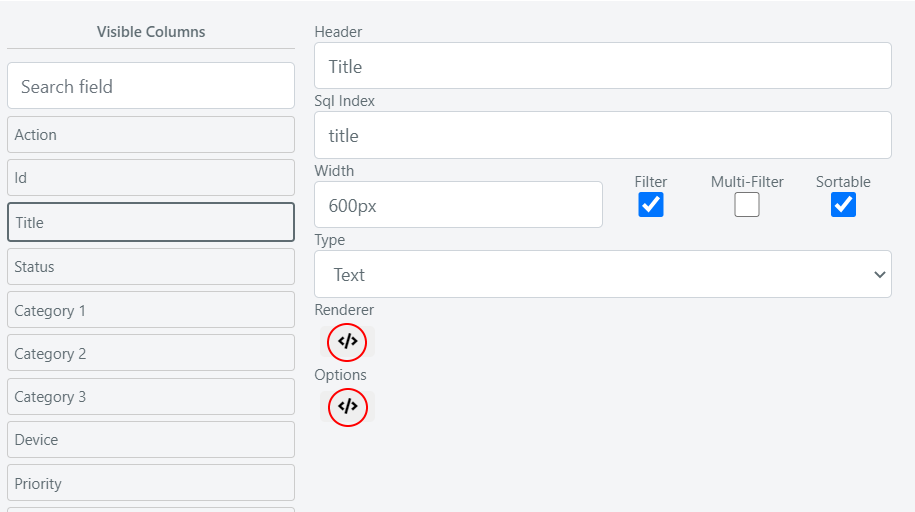
- Open the configuration of a grid.
- Select the column you want to modify.
- Click the </> icon to display the two scripting areas: Renderer and Options.
Example: Renderer with Clickable Link
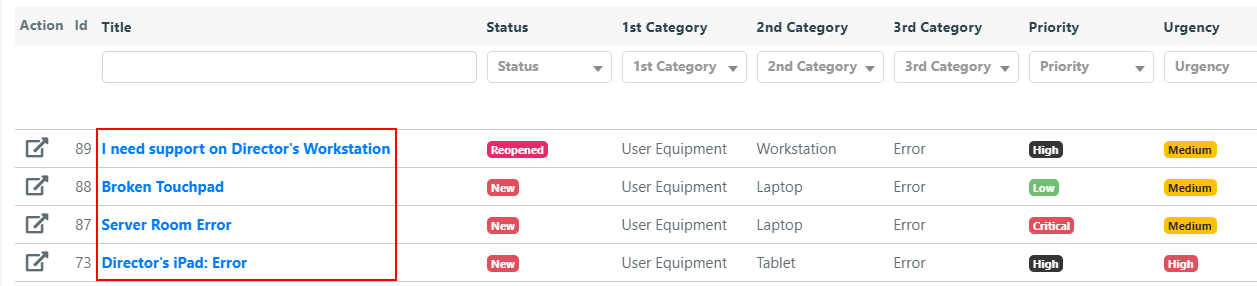
In this example, the Title column in a Service module grid is configured to display a link that opens the Service Operation in a new browser tab.
Insert the following code in the Renderer scripting area of the Title column:
//retrieve the title of the operation
$value = $this->escapeHtml($row->getTitle());
//define the url to insert in the link
$url = Deep::getUrl("*/service_operation/edit", ["id" => $row->getId()]);
//return the html code to generate the link
return "<a href='$url' target='_blank'>$value</a>";
Example: Renderer with Tooltip
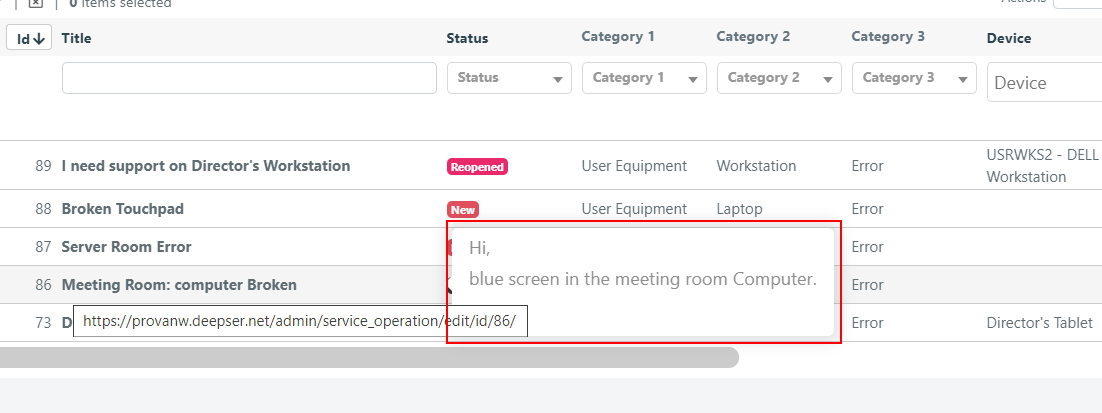
In this example, the Title column displays a tooltip containing the Service Operation description when the mouse hovers over it.
The code must be PHP that returns a string of HTML to be rendered in the grid cell. Click the </> icon in the Renderer field to open the scripting area.
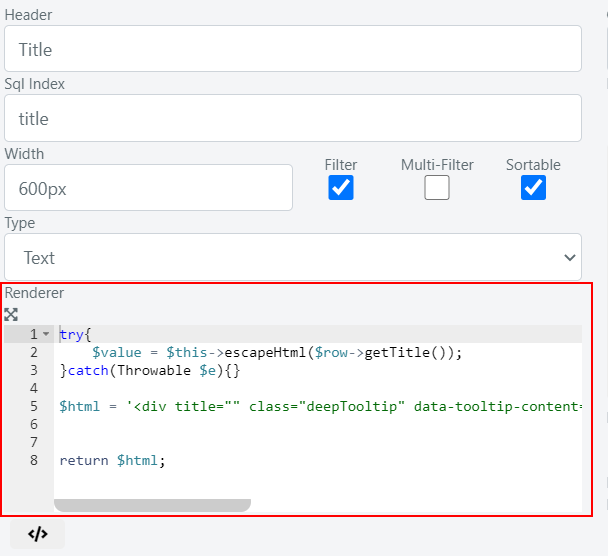
Insert the following code:
//print the Service Operation title
$html = '<span class="grid-title">' . $value . '</span>';
//define tooltip content - Service Operation Description
$html .= '<span class="grid-tooltip">' . $row->getDescription() . '</span>';
//initialise tooltip js component
$initToolTip = Deep::registry('deep_grid_title_tooltip');
if(!$initToolTip){
    Deep::register('deep_grid_title_tooltip', true);
    $html .= '<script>jQuery(".grid-title").tooltip();</script>';
}
return $html;
When you hover over the Title column, a tooltip with the Service Operation description appears.
Example: Custom Options for a Column
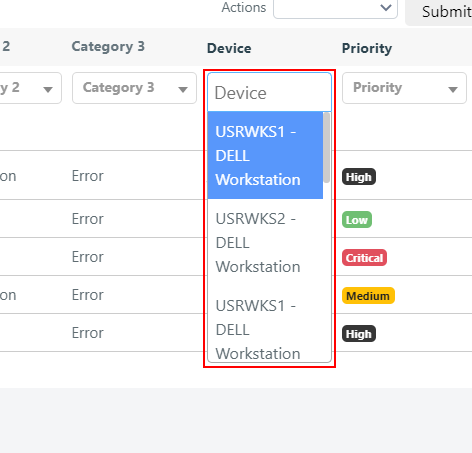
You can define the domain of possible values for an Options-type column. A common use case is the Device field of Service Operations: by default it shows the CI entity_id instead of the device name.
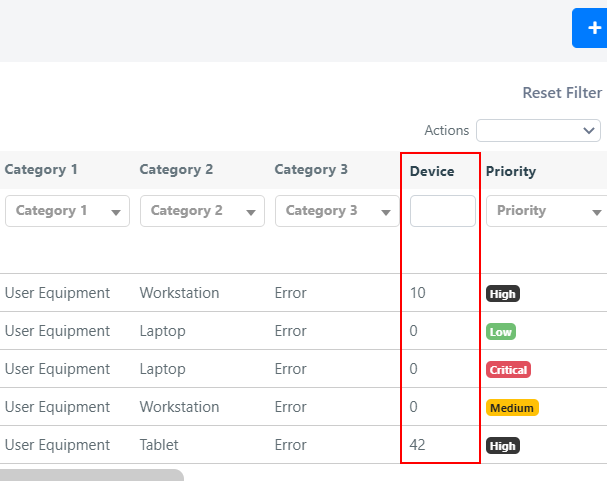
To display the device name and enable a select filter:
-
Open the grid configuration and set the column type to Options.
-
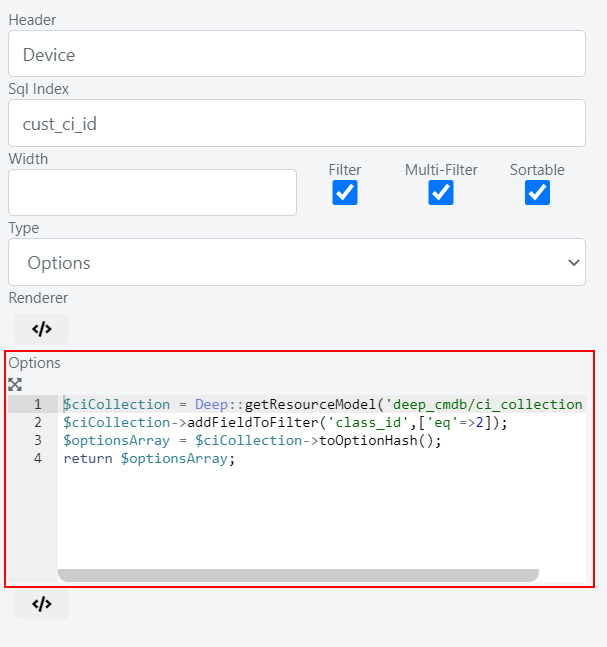
Click the </> icon to open the Options scripting area.
-
Insert the following code:
//retrieve the CI collection
$ciCollection = Deep::getResourceModel('deep_cmdb/ci_collection');
//filter to retrieve only Devices class CIs
$ciCollection->addFieldToFilter('class_id', ['eq' => 2]);
//convert the collection into an associative array (key = CI Id, value = CI Name)
$optionsArray = $ciCollection->toOptionHash();
return $optionsArray;
The Device column now displays the CI name instead of the raw ID.
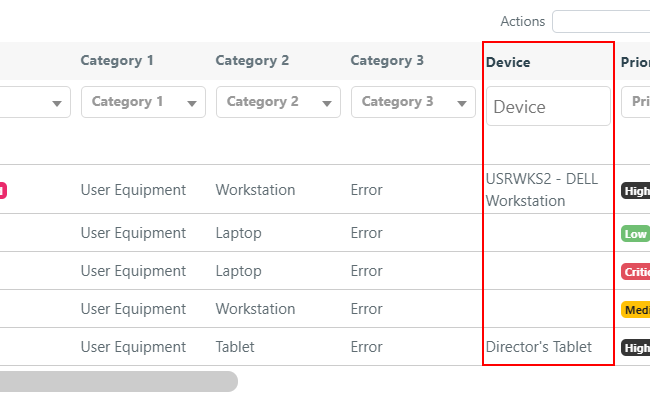
Grid records can also be filtered via select or multiselect on this column.