Private Password
Deepser gives each user the ability to store private passwords. These passwords are only available to the user who created them -- even system administrators cannot access them.
Private passwords are encrypted when set and decrypted when read, using a passphrase defined at the user level. To ensure greater security, each user can define their own passphrase.
Creating a Private Password
In Deepser, you can access passwords through the main menu or, if properly configured, through the User Portal.
-
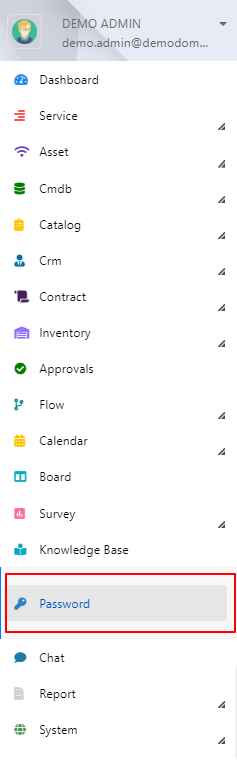
Access the Password module from the main Deepser menu, or through the drop-down menu of the User Portal.

-
Start the password creation procedure (see Configure a Password), but set the Is private field to "Yes".
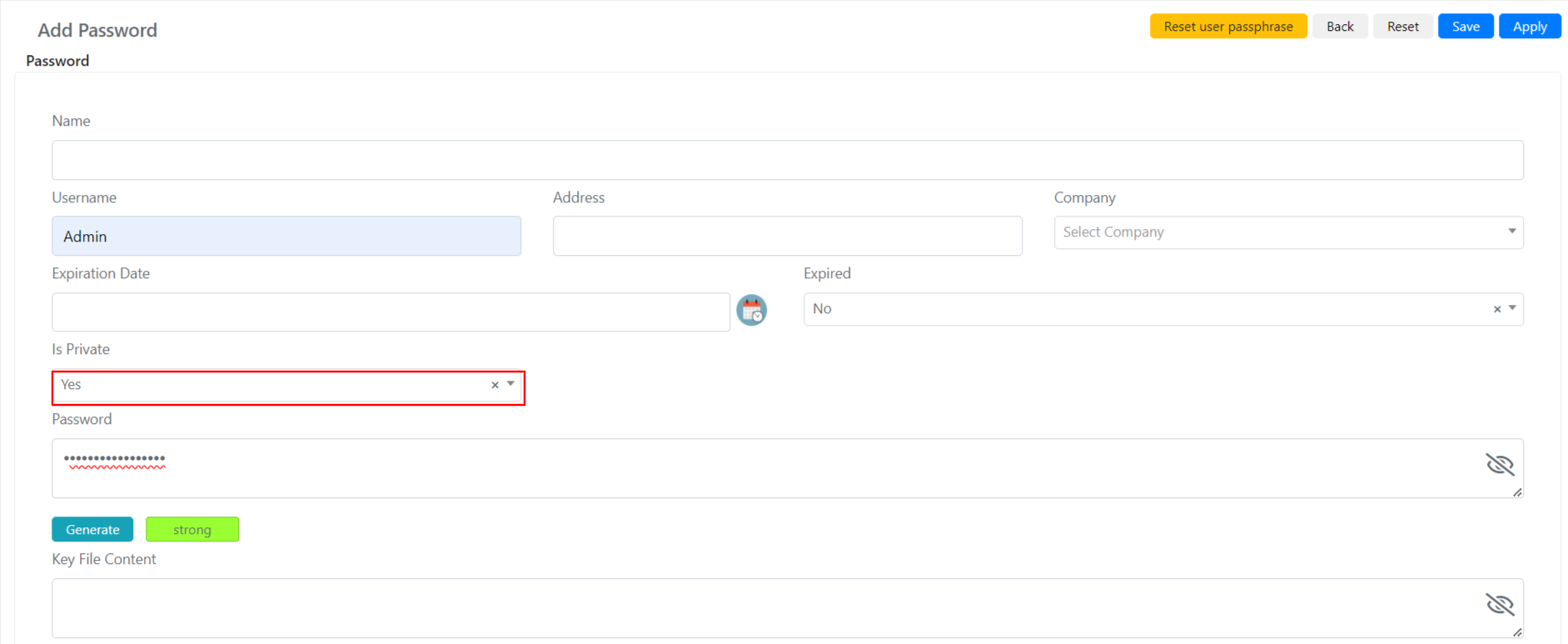
You can make a private password public, but not the other way around.
-
A new button will appear, Reset user passphrase, which allows you to choose a passphrase at the user level.

-
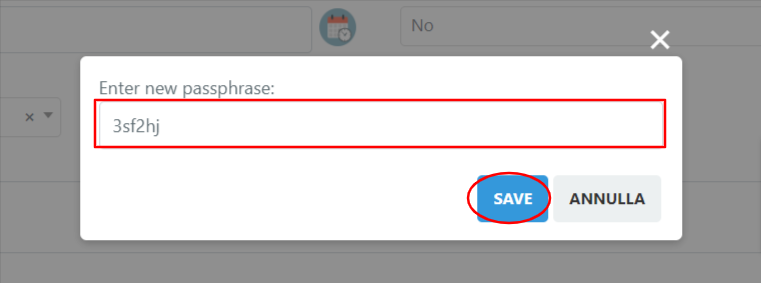
After clicking the button, choose a personal passphrase, then save it.
-
Your personal passphrase is now set. Click Save to store your private password.
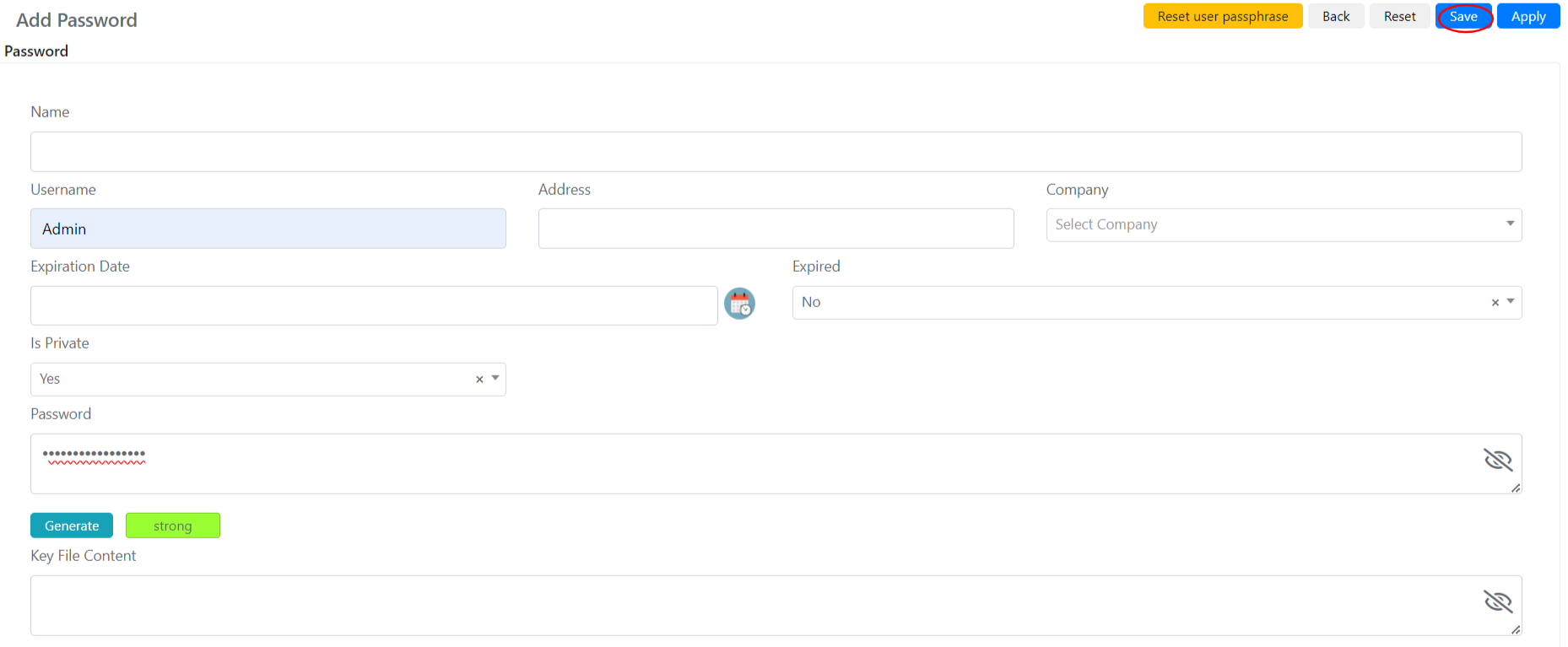
Not all view and use fields are present, because only the user who configured the private password can access it.