Use a Password
Deepser provides convenient access to stored passwords so you can quickly retrieve credentials when needed. You can access passwords through the Deepser Backend main menu or, if properly configured, through the User Portal.
Accessing Stored Passwords
-
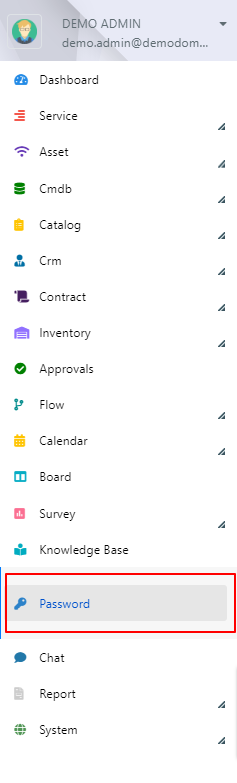
Access the Password module from the main Deepser menu, or through the drop-down menu of the User Portal.

-
You will see the grid with all the passwords that you are allowed to view.

-
To copy the address or username field, simply click the value in the row. To copy the password, click the icon with the two sheets. To display it, click the eye icon.

note
If you have the necessary permissions, a password quick-change button will appear on the left of each row.