Edit Form Templates in the Guest Portal
When requests are made visible in the Guest Portal, all Service Operation fields are displayed by default. You will typically need to edit the form template to show only the fields relevant to guest users.
Steps
-
Access the Guest Portal through an Admin user. To do this, remove everything after the domain in your URL (for example, test.deepser.com/admin/system_account becomes test.deepser.com).
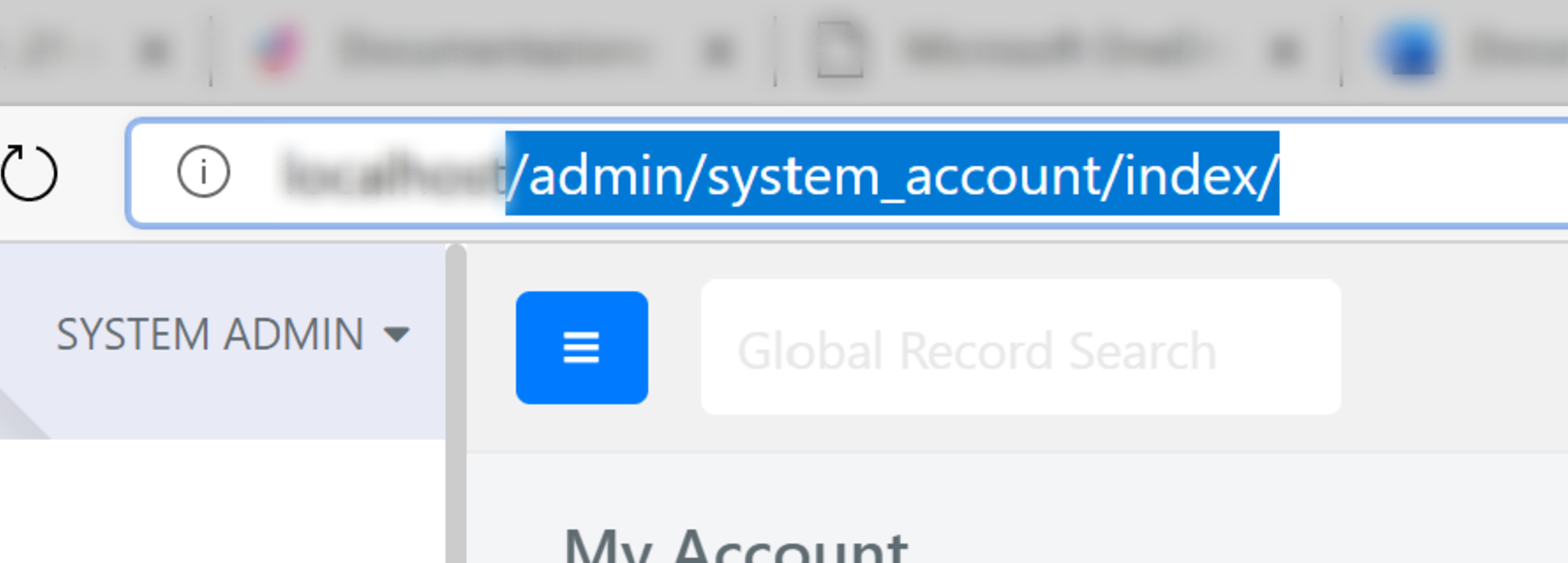
-
Select a request.
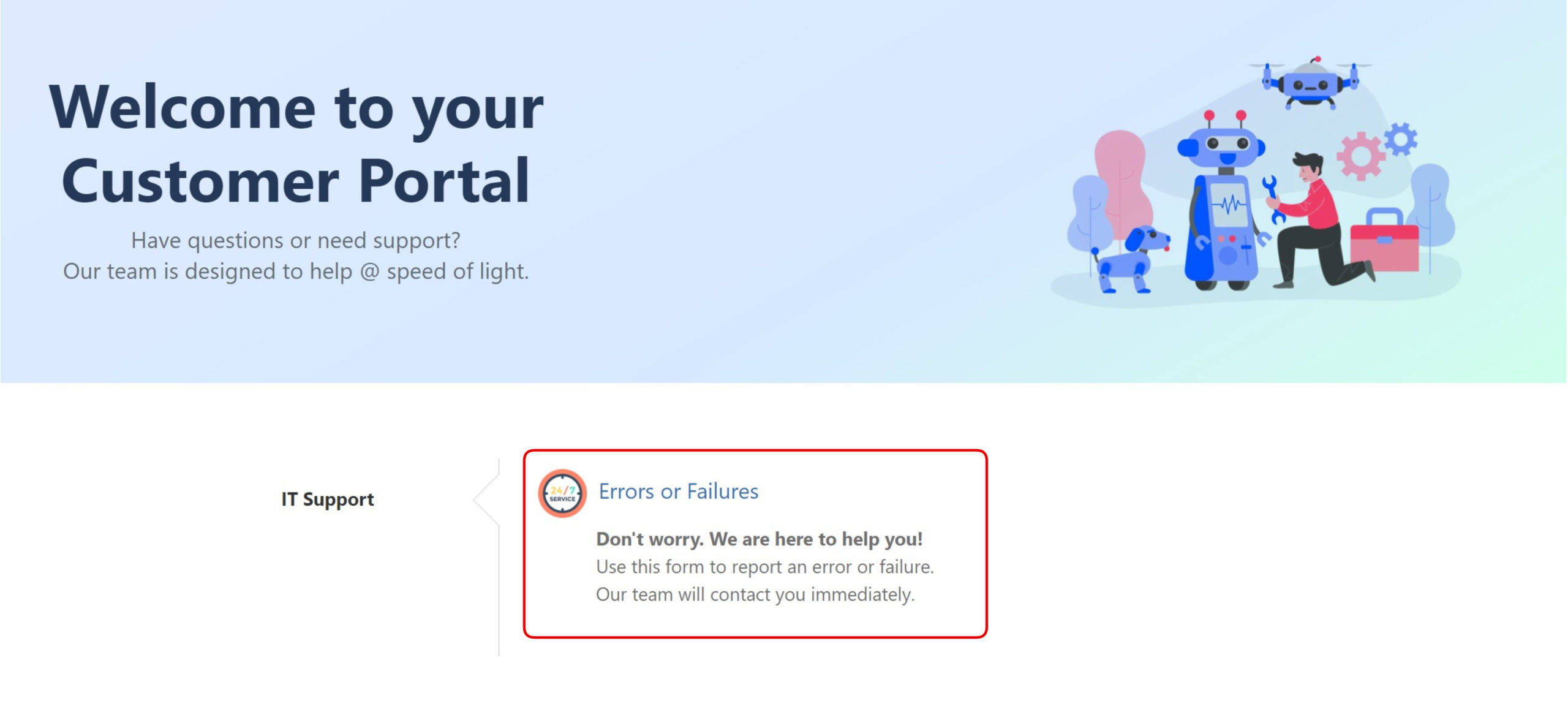
-
All fields are editable by the guest user by default. To modify the available fields, open the form editor.
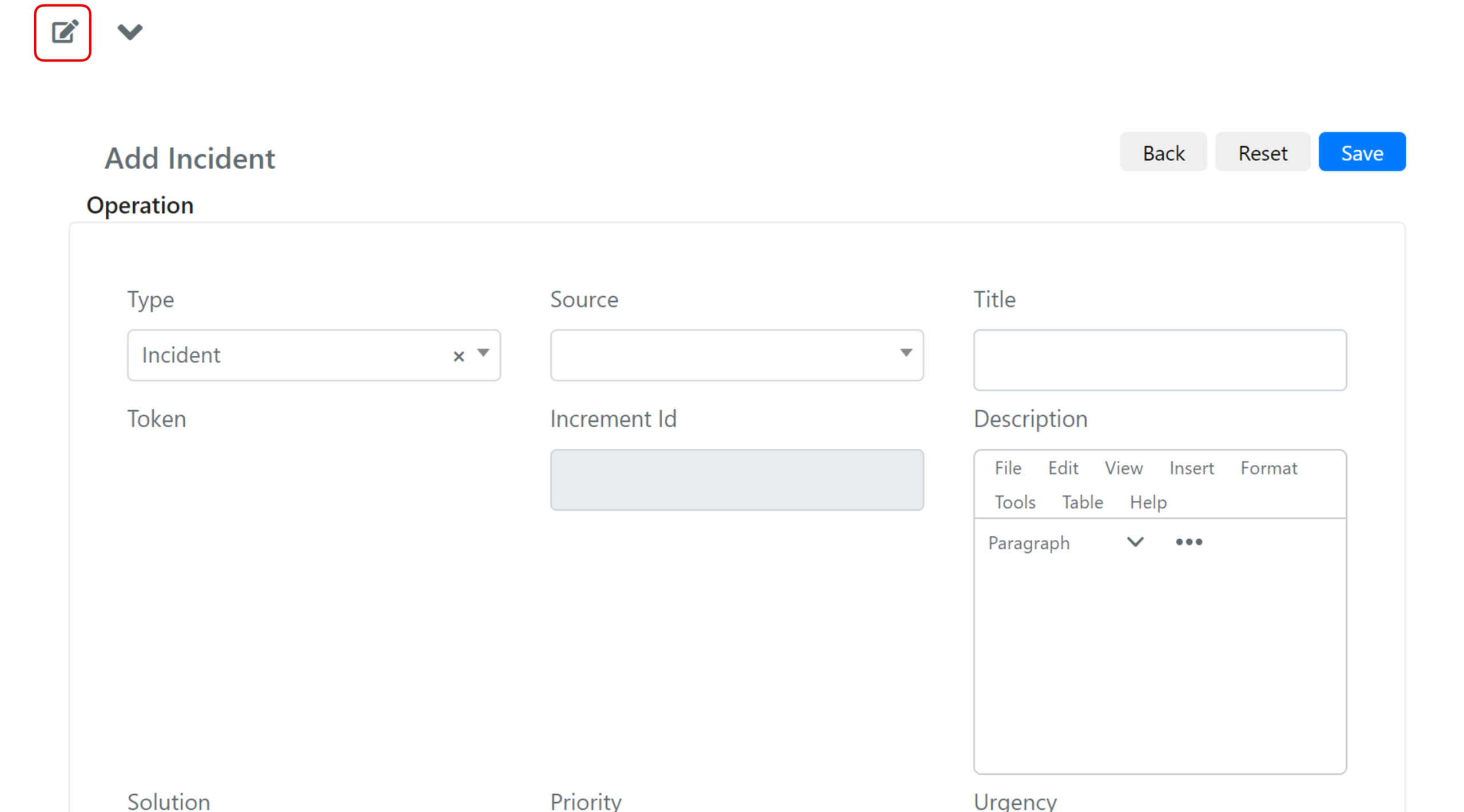
-
Select the correct fieldset and modify it as needed, keeping in mind that this form will be accessible to guest users.

When a guest user opens a Service Operation, they are identified by their email. You should add the Requester Email field as mandatory in this form.