Enable Notifications for Guest Users
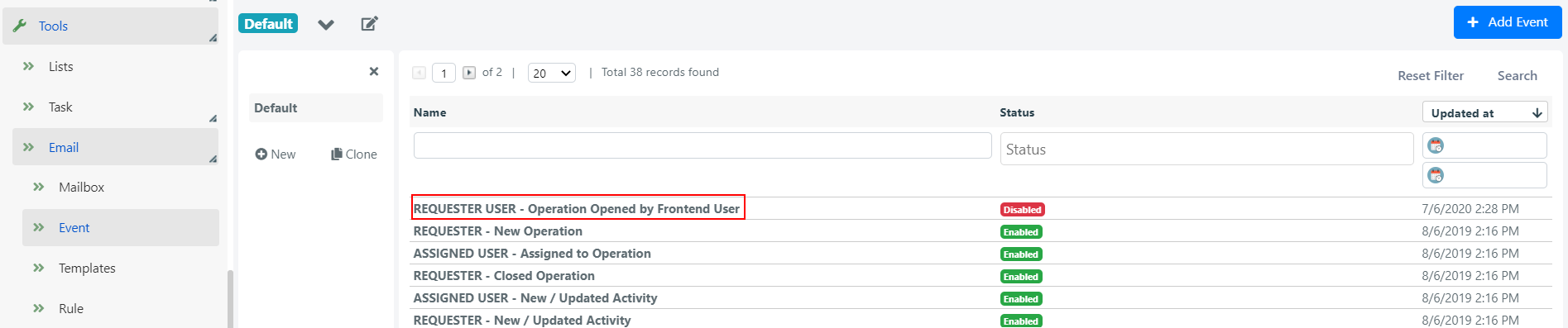
Deepser includes a preconfigured email event called REQUESTER USER -- Operation Opened by Frontend User that notifies guest users when a Service Operation has been created. By default, this event is disabled.
Steps
-
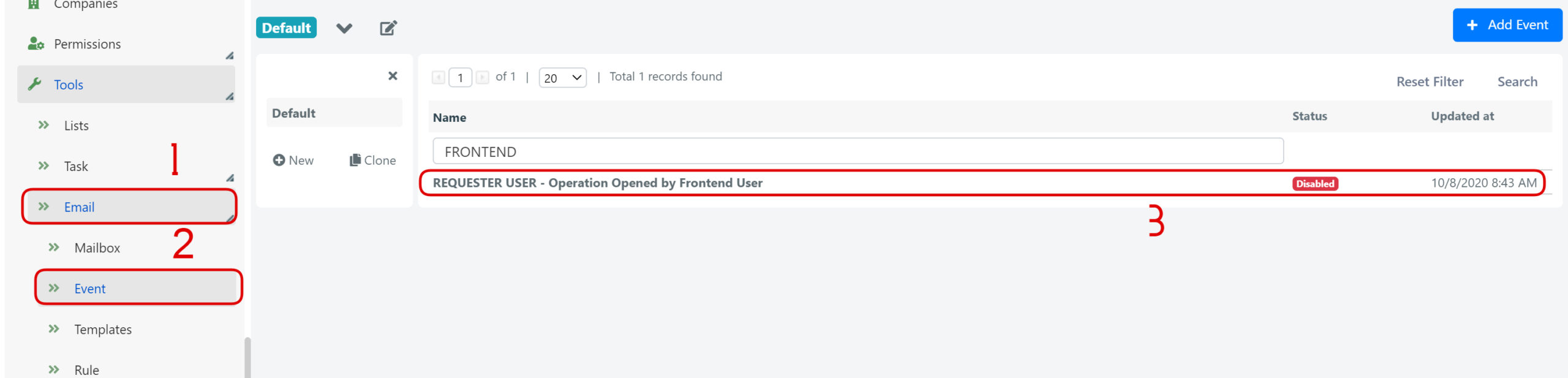
Navigate to System > Tools > Email > Event in the Deepser Backend.
-
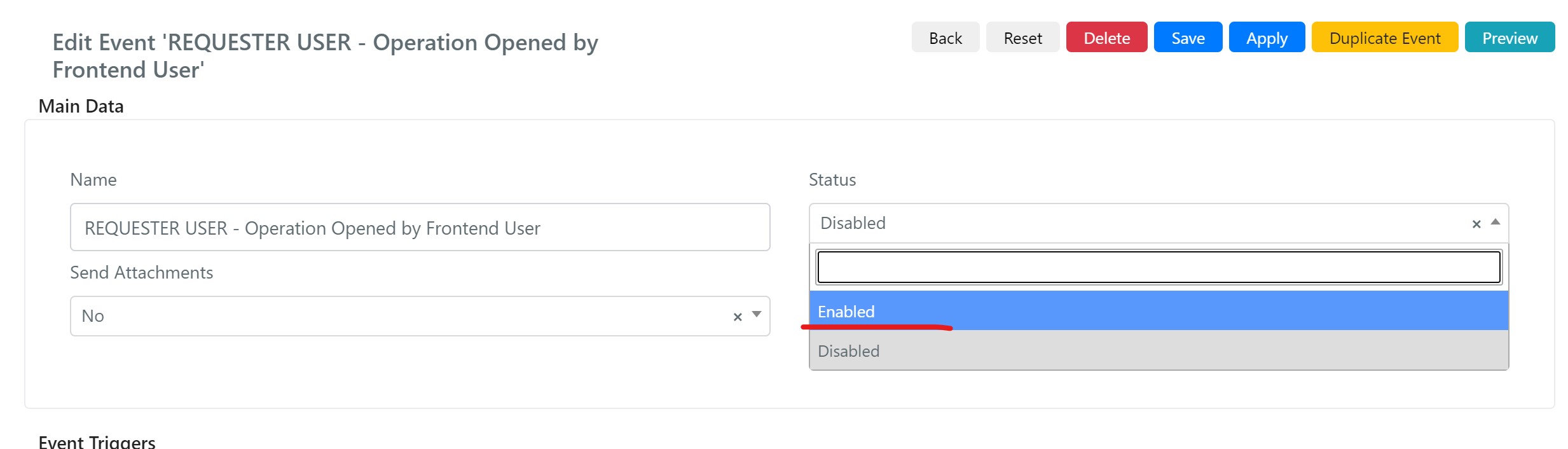
Open the event and set its Status to Enabled. The related email template is configured to send a link that allows the guest user to view the Service Operation, even without a registered account.
tip
You can also create custom email events in Deepser. For example, you can define notifications for comment insertion or the closing of a Service Operation. See Create Custom Email Events for details.