User Portal Additional Features
In addition to Service Operation management, the User Portal provides access to the CMDB, CRM, Knowledge Base, and Password Manager modules. You can reach these features through the dropdown menu, activated by clicking the arrow to the right of the current user.
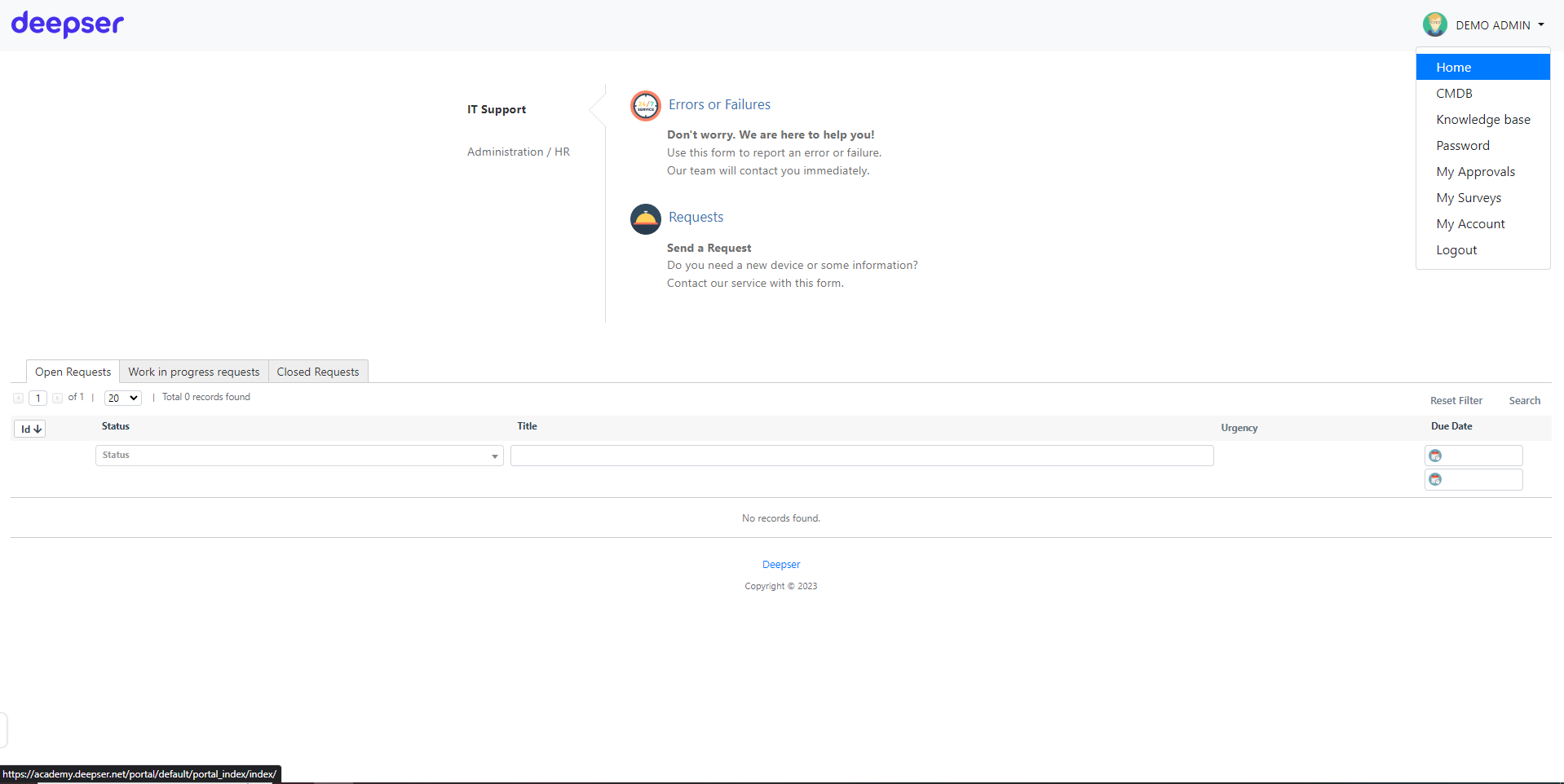
The dropdown displays all module items configured in Deepser:
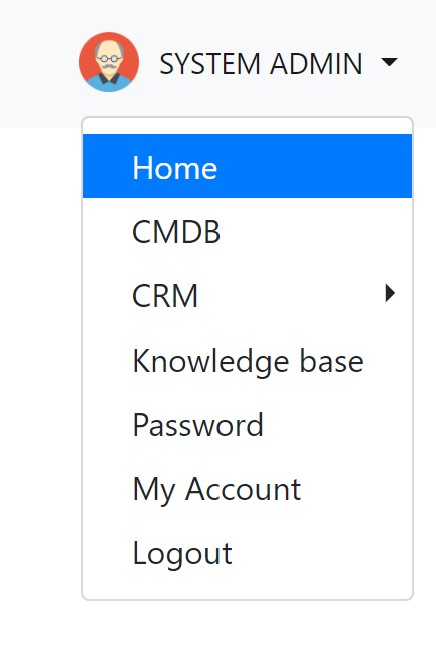
| Item | Description |
|---|---|
| CMDB | All visible entries in the Configuration Management Database module. |
| CRM | Contacts, companies, and visible opportunities from the Customer Relationship Management module. |
| Knowledge Base | Support articles, internal guides, and other Knowledge Base content. |
| Password | All visible passwords from the Password Manager module. |
note
Each module is briefly introduced here. For detailed guidance on enabling these modules, see Enable Other Modules in the User Portal.