Manage Service Operations in the User Portal
The primary function of the User Portal is to allow end users to create and manage Service Operations. This guide walks you through logging in, creating a new Service Operation, and tracking its progress.
Steps
-
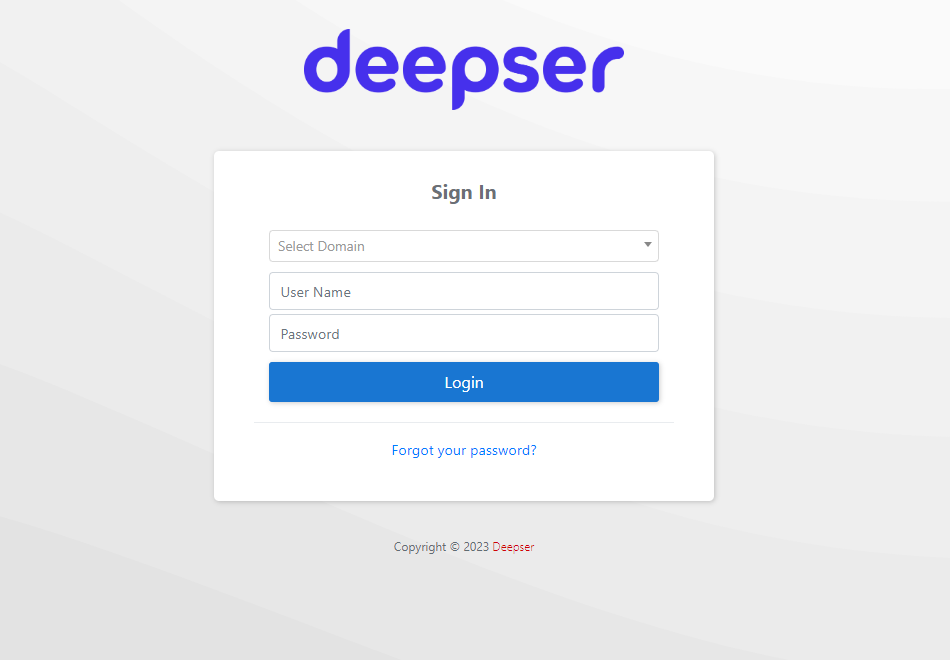
Log in with your credentials through the User Portal login screen.
-
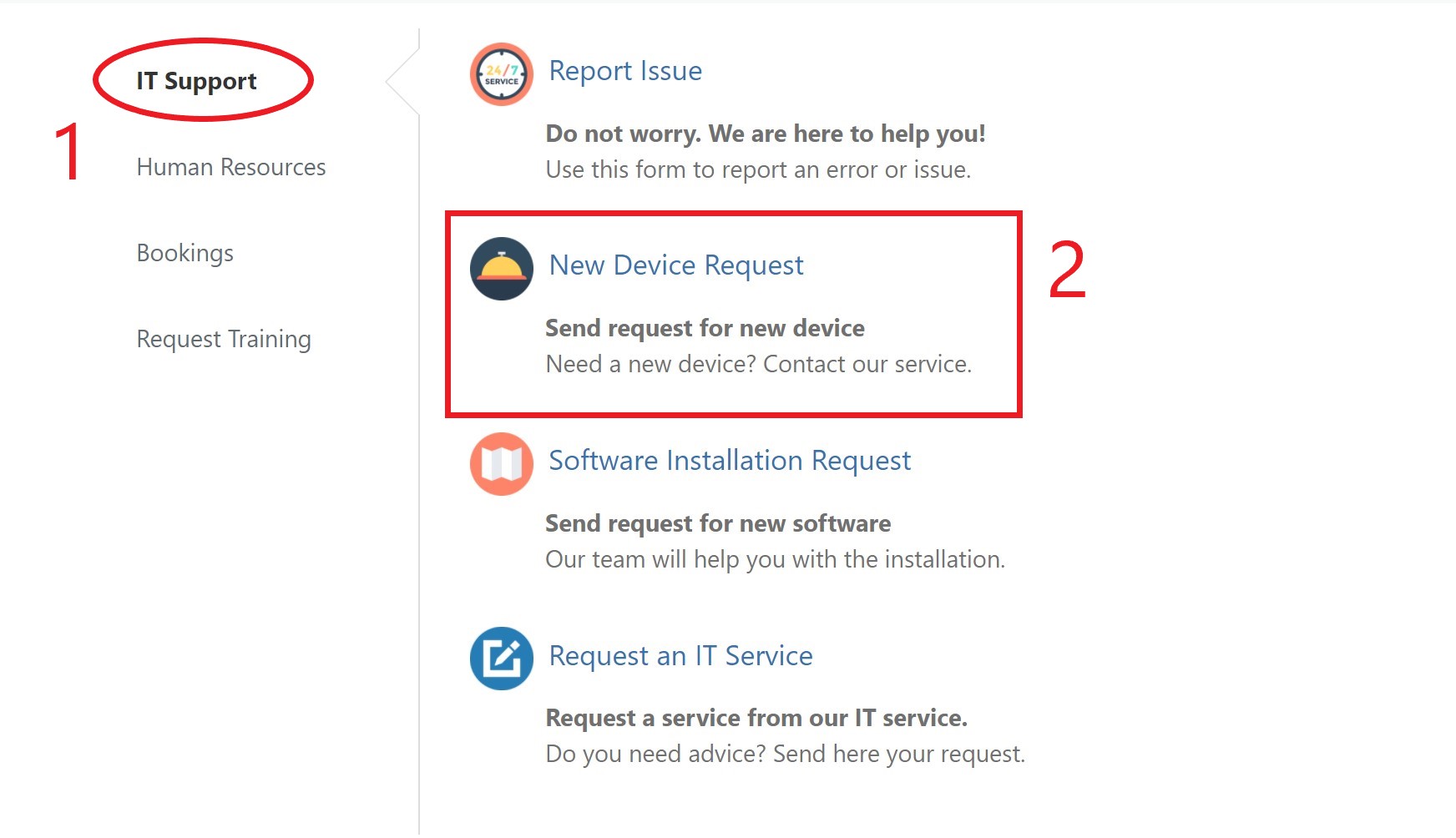
Select the relevant group and the type of Service Operation you want to create. In this example, we create a request from the IT Support group.
-
The Service Operation creation form will open. Fill in the required fields and click Apply.
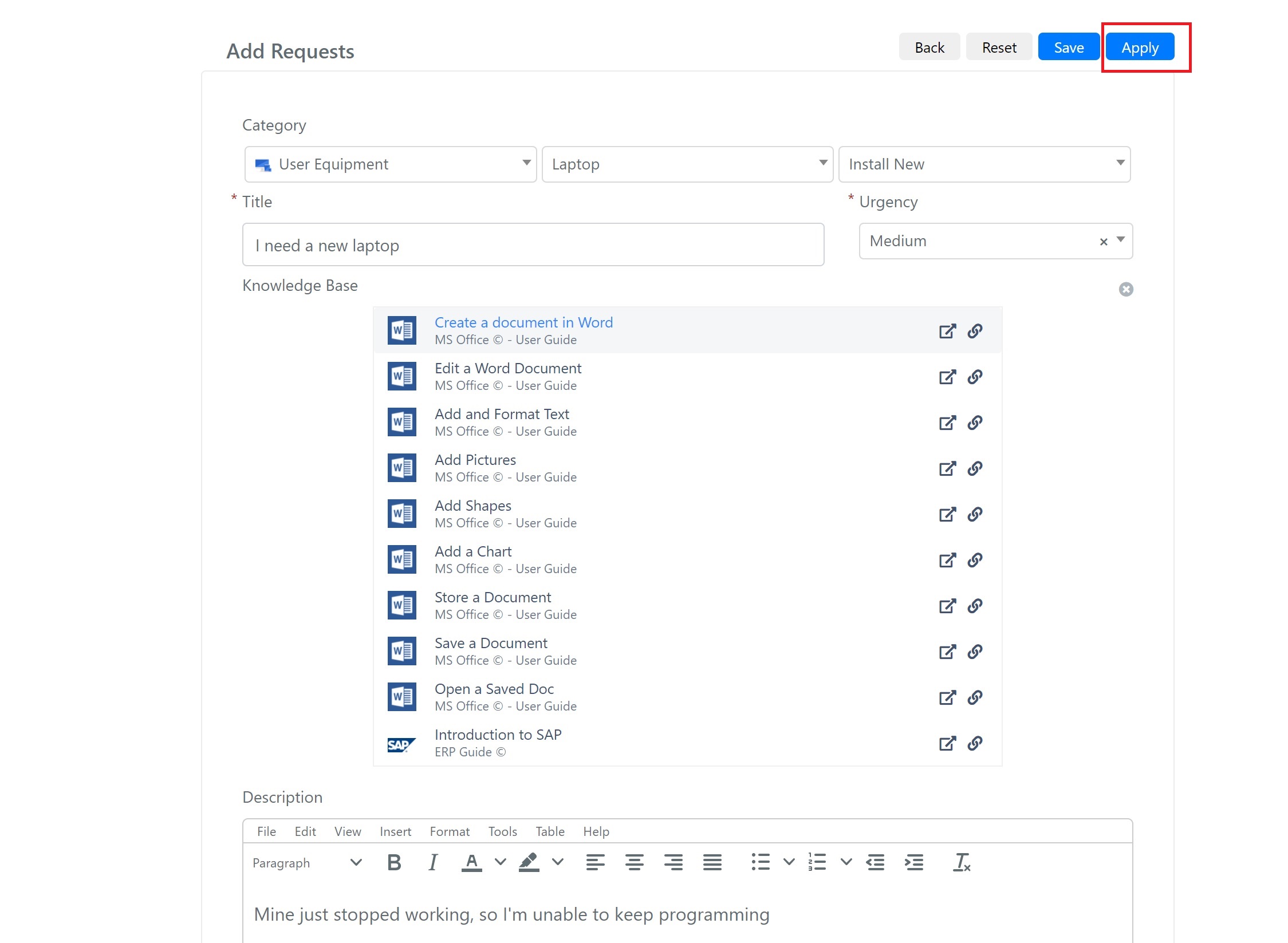
The available fields are:
Field Description Category The category and subcategories of the Service Operation. Title The title of the Service Operation. Urgency The urgency level of the Service Operation. Knowledge Base Dynamically populated with articles matching the title by tags. Description A detailed description of the Service Operation. -
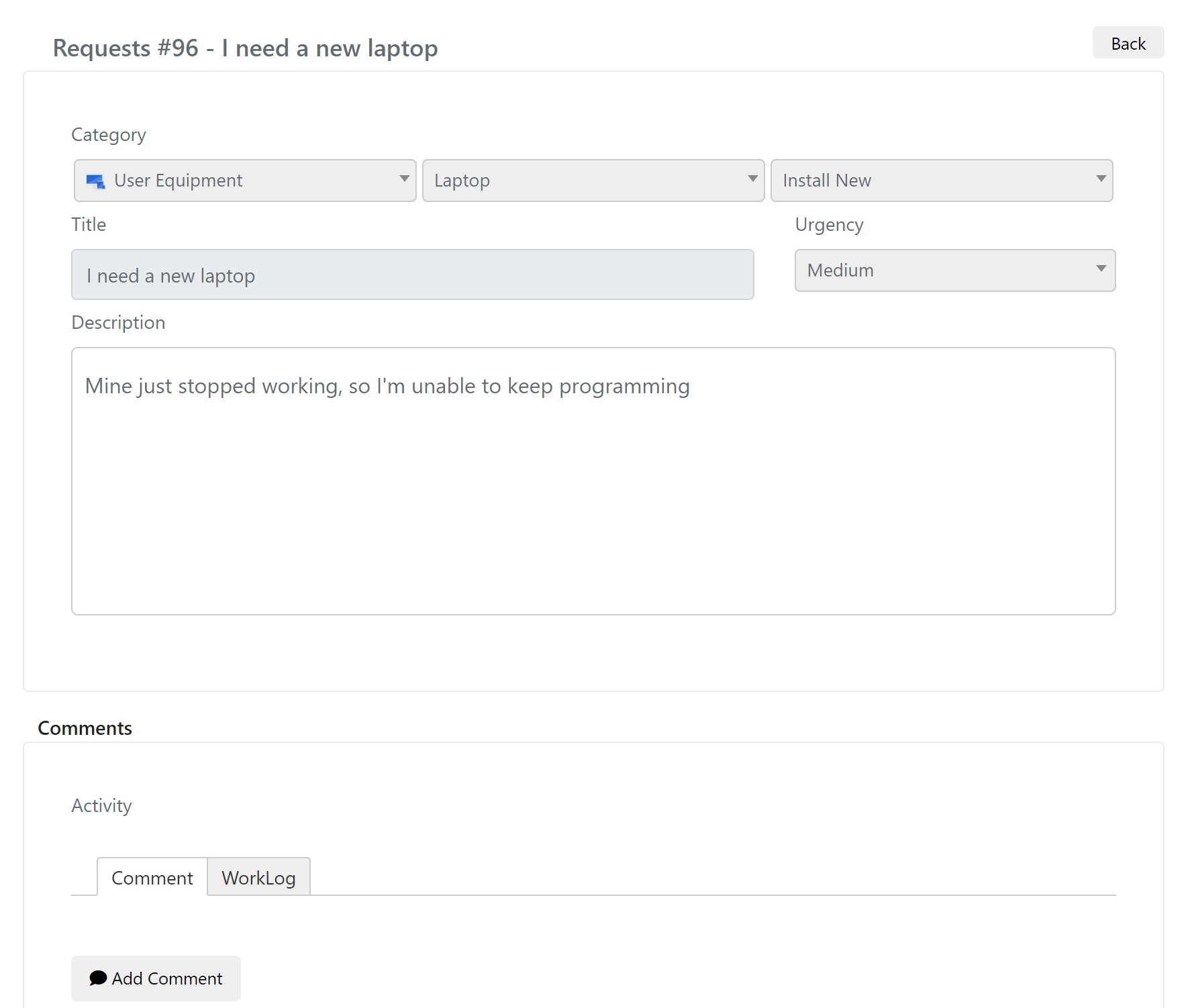
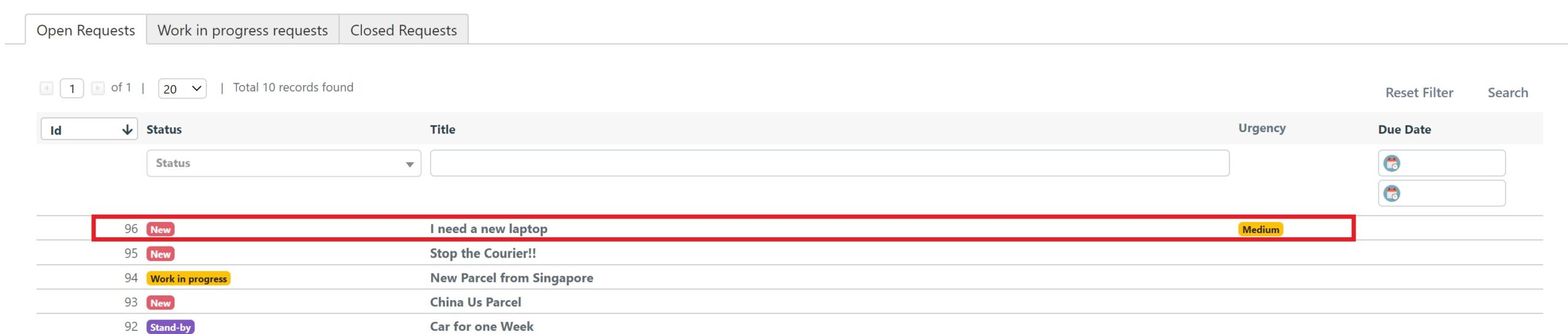
The created Service Operation appears under the Open Requests grid. Click on it to view the details.
-
Once opened, you can follow updates on resolution, add attachments, comments, and more.