Fetch Data from Relations
Deepser allows you to create relations between records belonging to the same entity or to different entities. This feature enables the dynamic retrieval of data associated with a specific entity, either by leveraging an existing relation or by defining a new one.
Relation Configuration
To configure a relation, navigate to System > Relation. Within this section, you can define the desired relation by specifying the entities and the fields to be used as keys.
Once the relation between the two entities has been configured (for more details, see Configure a Relation), you can retrieve the related data. For example, by configuring a relation between a Service Operation and a CI, the system uses specific tables to track and manage the relation between the two entities.
Involved Tables
- Source entity table: e.g., CI
- Table Name: deep_cmdb_ci
- Model Alias: deep_cmdb/ci
- Destination entity table: e.g., Service Operation
- Table Name: deep_service_operation
- Model Alias: deep_service/operation
- Configured relations table: deep_relation_relation
- Relation roles table: deep_relation_role
Table: deep_relation_relation
The deep_relation_relation table stores data related to the configured relations between entities. The main fields include:
- entity_id: Unique identifier of the relation
- name: Relation name
- opposite_name: Reverse relation name
- src_model / dest_model: Types of the models of the entities involved (e.g., deep_service_operation, deep_cmdb/ci)
- src_search_field / dest_search_field: Fields of the entities used to define the relation
Once configured, the relation is displayed within the deep_relation_relation table. To retrieve the data associated with a specific relation, you need to know its ID. You can find it in System > Relation, where the grid displays the ID corresponding to each configured relation.
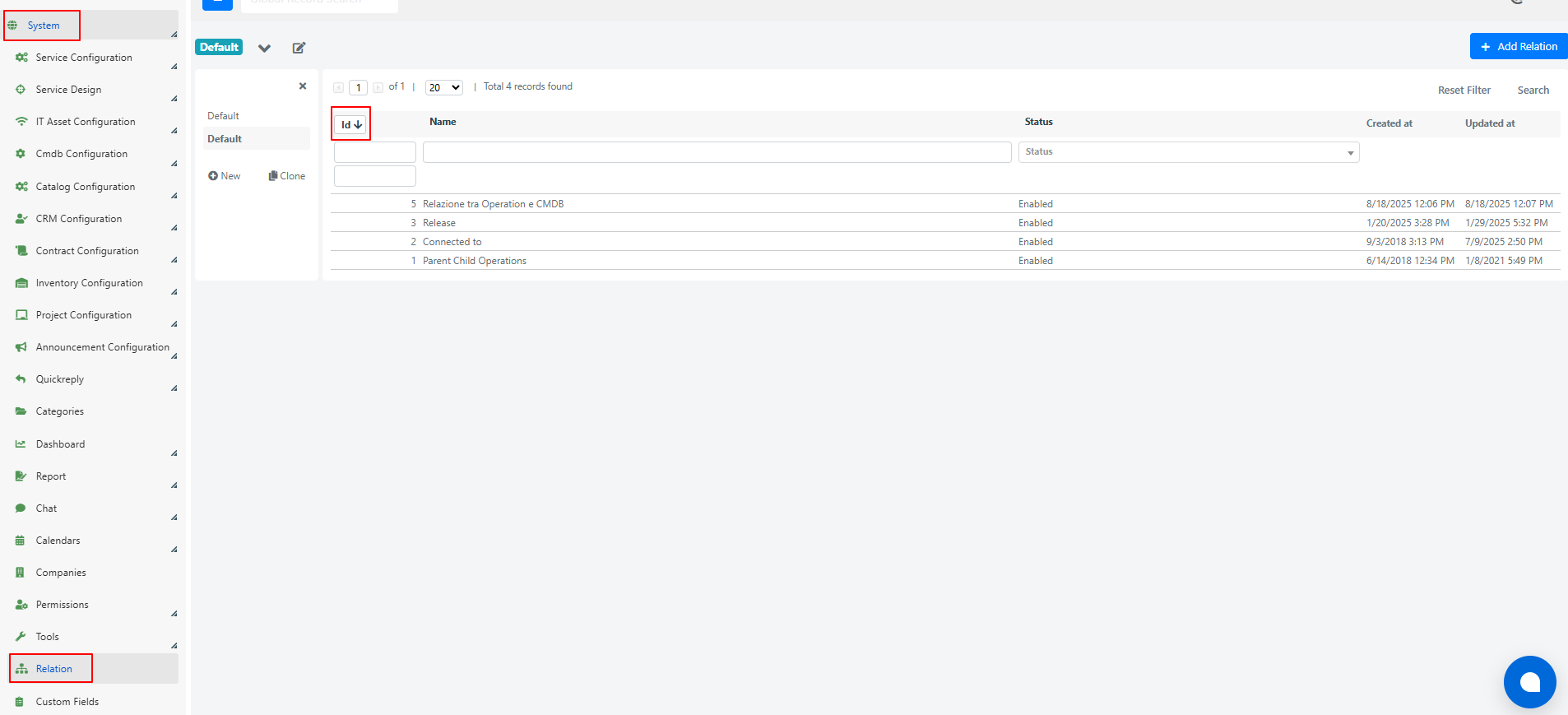
Table: deep_relation_role
During the definition phase of a relation between two entities, the references to the actually linked records are stored in the deep_relation_role table. This table represents the concrete association between the entities involved.
The main fields are:
- entity_id: Identifier composed of the combination of the relation ID, the source model ID, and the destination model ID (e.g., 1-2-34), where:
- 1 = Relation ID
- 2 = Source model ID (e.g., Cmdb Ci)
- 34 = Destination model ID (e.g., Service Operation)
- relation_id: ID of the configured relation
- src_id: ID of the source entity
- dest_id: ID of the destination entity
Retrieve Data with a Custom Event
The following is an example configuration; the same logic can be applied to any other level or model by adapting the setup according to specific requirements.
- Navigate to System > Custom Fields and select the model "DeepService -- Operation".
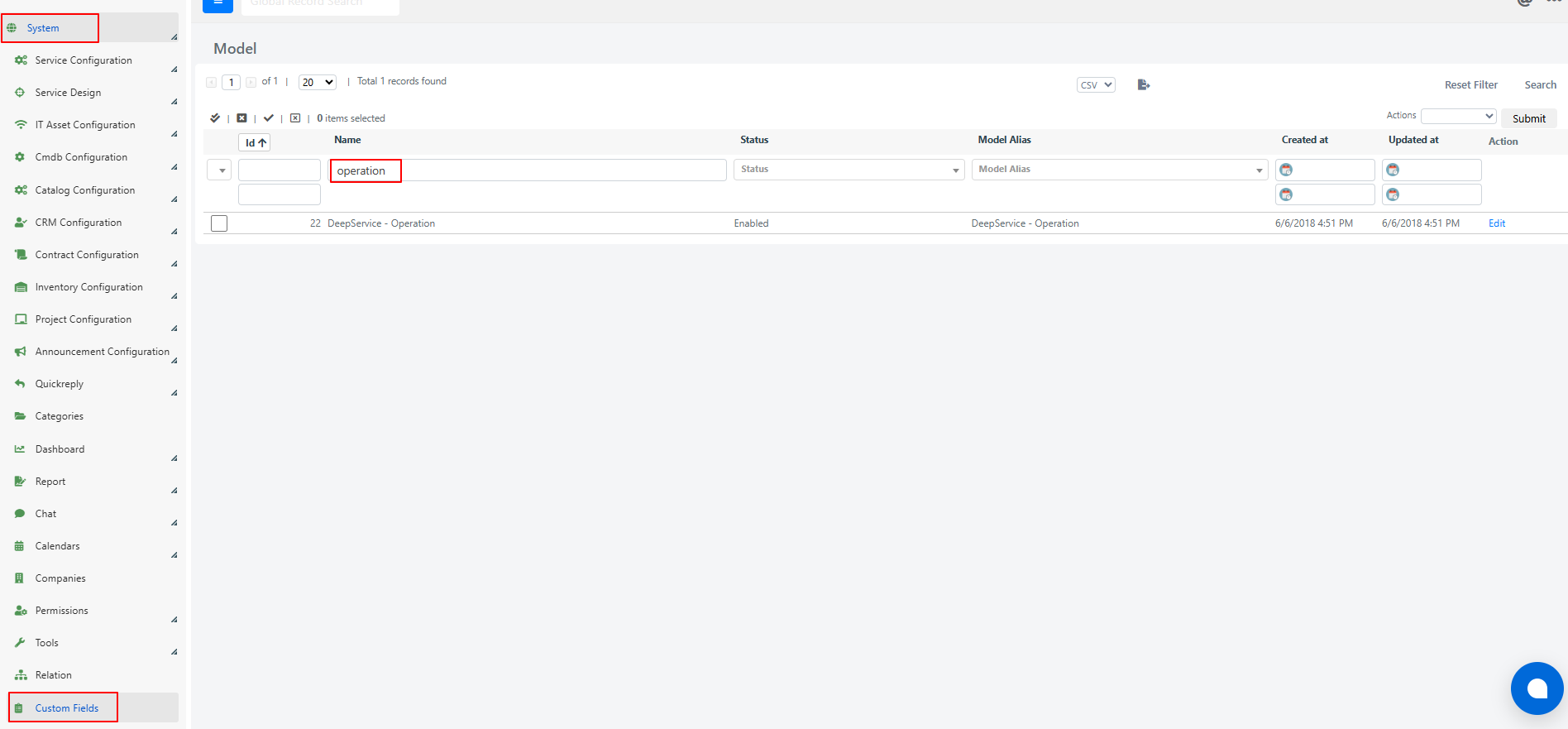
- Go to the Events tab and click the Add Event button.

- Fill in the following fields:
- Name: The desired name for the event
- Type: Set to After Save
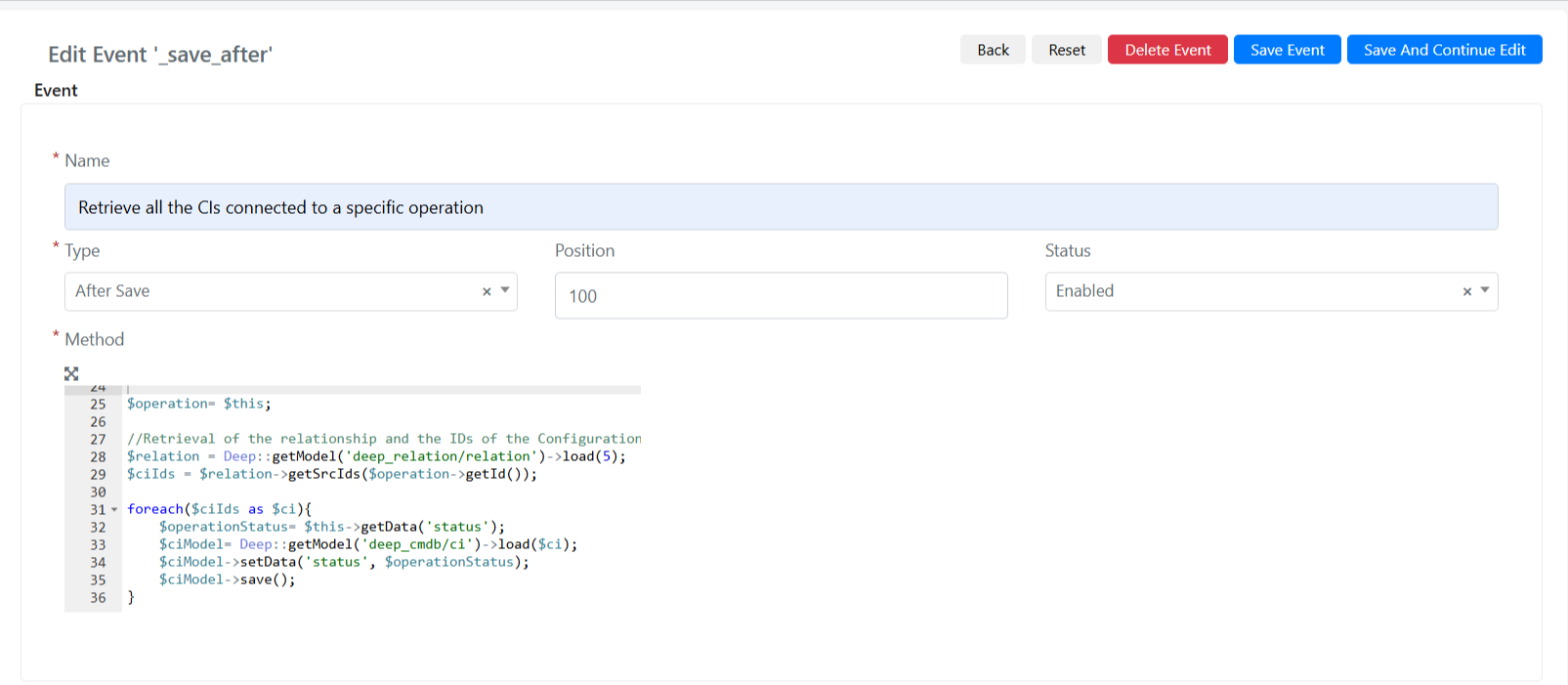
- In the Method field, enter the following code:
					$operation= $this;

//Retrieval of the relationship and the IDs of the Configuration Items linked to the operation
$relation = Deep::getModel('deep_relation/relation')->load(5);
$ciIds = $relation->getSrcIds($operation->getId());

foreach($ciIds as $ci){
    $operationStatus= $this->getData('status');
    $ciModel= Deep::getModel('deep_cmdb/ci')->load($ci);
    $ciModel->setData('status', $operationStatus);
    $ciModel->save();
}
Code Explanation
- Operation retrieval: The current Service Operation, represented by
$this, is stored in the variable$operation. - Relation loading: The relation with ID 5 is loaded from the deep_relation/relation model. This relation defines the link between the cmdb_ci and service_operation models.
- Retrieving associated CI IDs: Using the
getSrcIds()method, all IDs of cmdb_ci objects linked to the current Service Operation ($operation->getId()) are retrieved. - Iterating over CI IDs: A
foreachloop iterates over each ID in the$ciIdsarray, which represents the CIs associated with the Service Operation. - Retrieving the Service Operation status: Inside the loop, the current Service Operation status is retrieved using
$this->getData('status')and stored in the$operationStatusvariable. - Loading the CI model: For each CI ID, the corresponding object is loaded from the deep_cmdb/ci model using
load($ci), which returns the CI instance. - Updating the CI status: The CI status is updated by setting its status field equal to the Service Operation's status via
$ciModel->setData('status', $operationStatus). - Saving the updated CI: Finally, the modified CI is saved to the database with
$ciModel->save(), ensuring the updated status is persisted.
This code enables the dynamic retrieval of all CI IDs associated with a specific Service Operation and updates their status according to the status of the related Service Operation, using a predefined relation between the models.