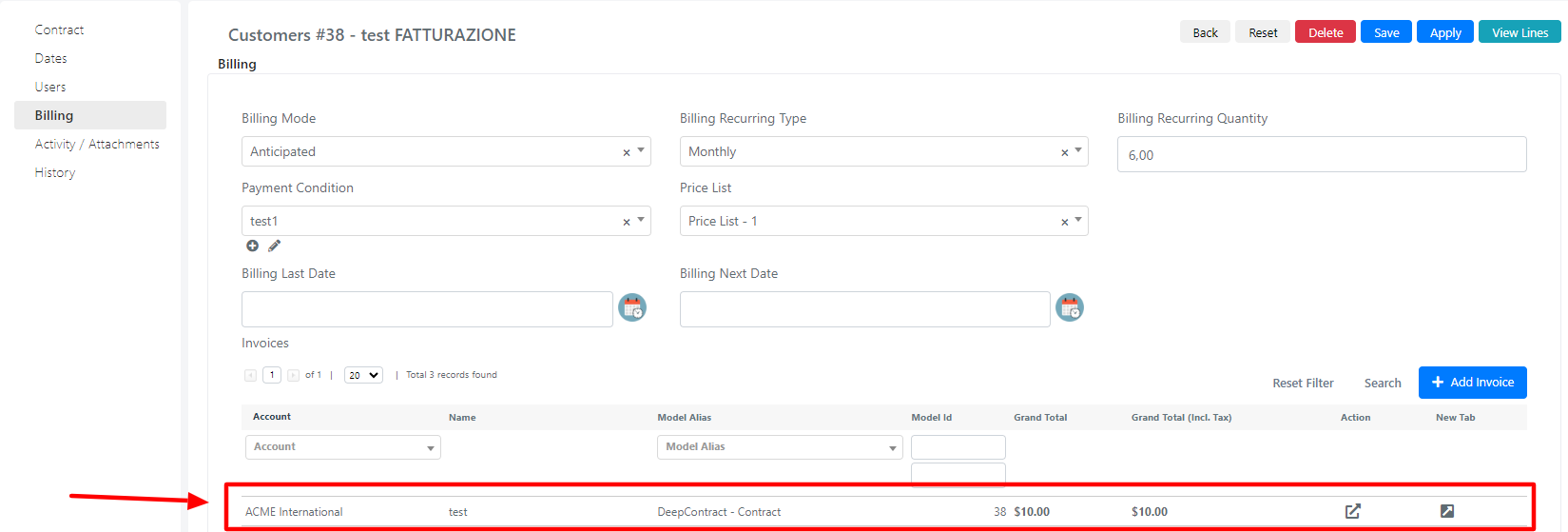
Lines Billing
Line billing allows you to generate invoices from contract lines. You can accomplish this in three different ways:
- "Generate Invoice" button
- "Generate Invoice" mass action
- Automatic invoicing
To bill lines, certain fields must be set in the "Billing" tab before proceeding.
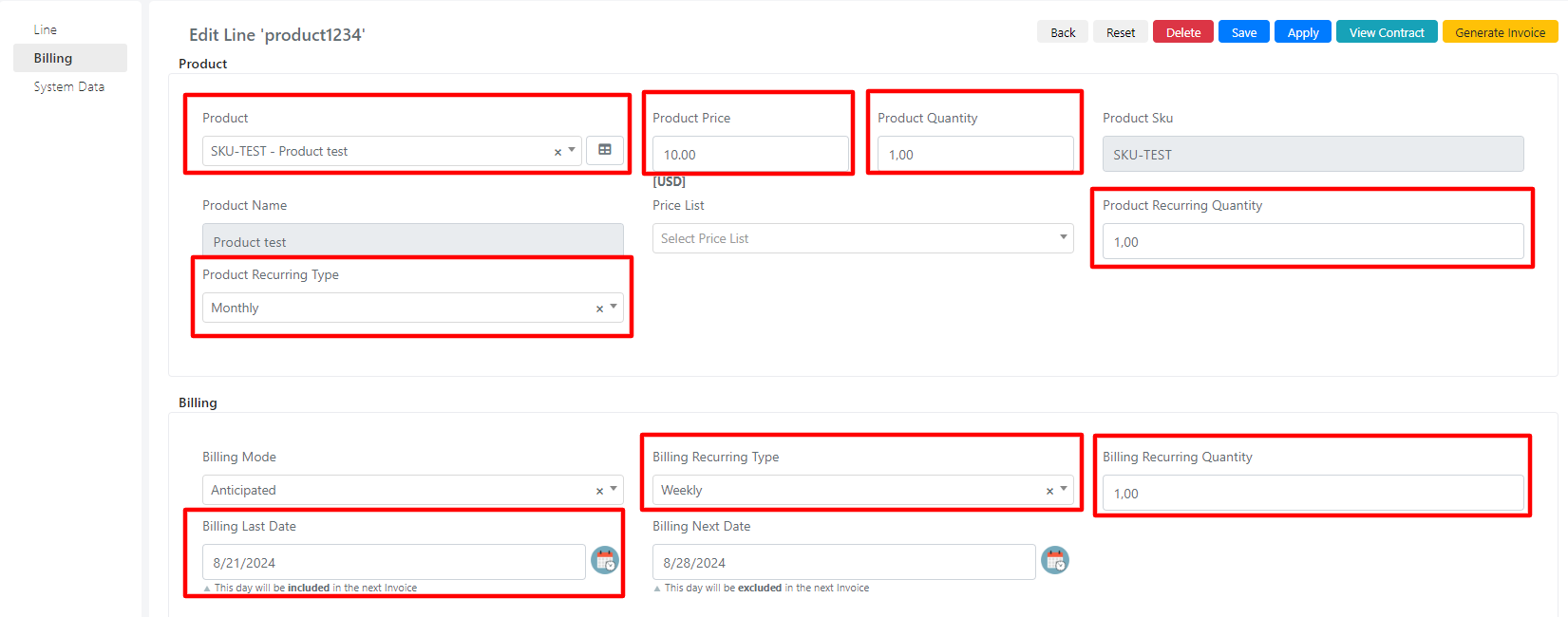
| Field | Description | Note |
|---|---|---|
| Product | Product that is billed. | |
| Product Price | Product price. | Populated automatically on product entry. |
| Product Quantity | Quantity of product for the line. | Populated automatically on product entry. |
| Product Recurring Type | Temporal recurrence of the product. | |
| Product Recurring Quantity | Recurrence of the quantity (temporal) of the product. | Related to the "Product Recurring Type" field. |
| Billing Recurring Type | Type of recurrence. | |
| Billing Recurring Quantity | Quantity of billing recurrence. | |
| Billing Last Date | Last billing date. |
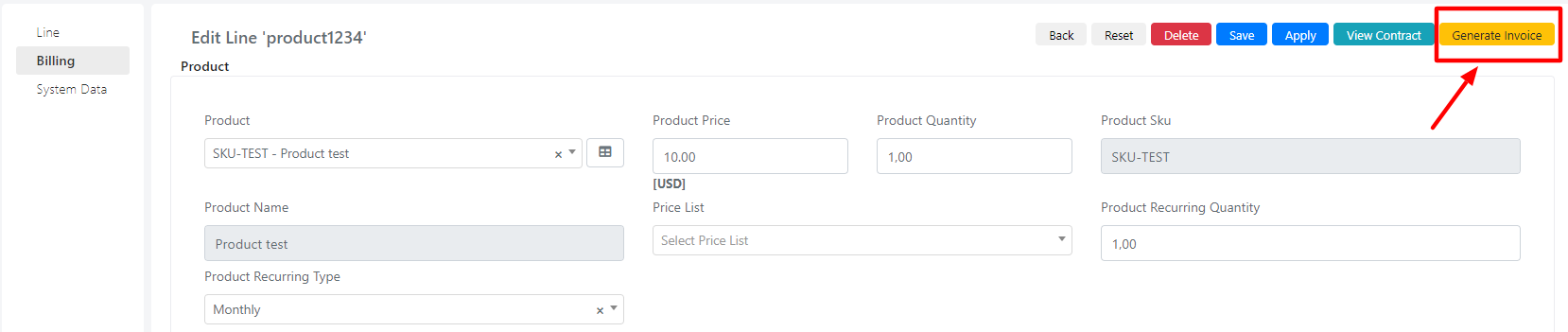
Generate Invoice Button
If the fields are populated correctly, after saving the line, the "Generate Invoice" button appears.
Mass Action Generate Invoice
From the lines grid, if mass actions are active, you can bill multiple lines from different contracts at once.
To mass-invoice, first select the lines of interest (1). Then, in the list of mass actions (2), choose "Generate Invoice" and press the "Submit" button.

Automatic Invoicing
A scheduled job in the system bills the lines every day at 04:00.
If the billing was successful, regardless of the method you chose, you can view the created invoice from the Contract or directly from the sales_invoice module.