Order Billing
This section explains how to generate an invoice from a specific order in Deepser. The process uses a built-in Invoice button that automatically fills the invoice based on the order data.
Generate an Invoice from an Order
-
Navigate to CRM > Sales > Orders > All.
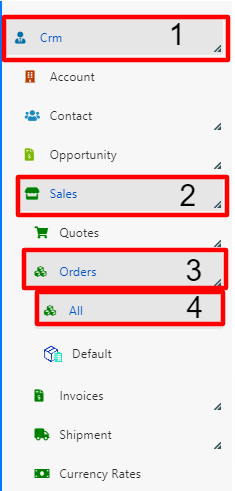
-
Open the order you intend to invoice.

-
In the top right corner of the order, click the Invoice button.
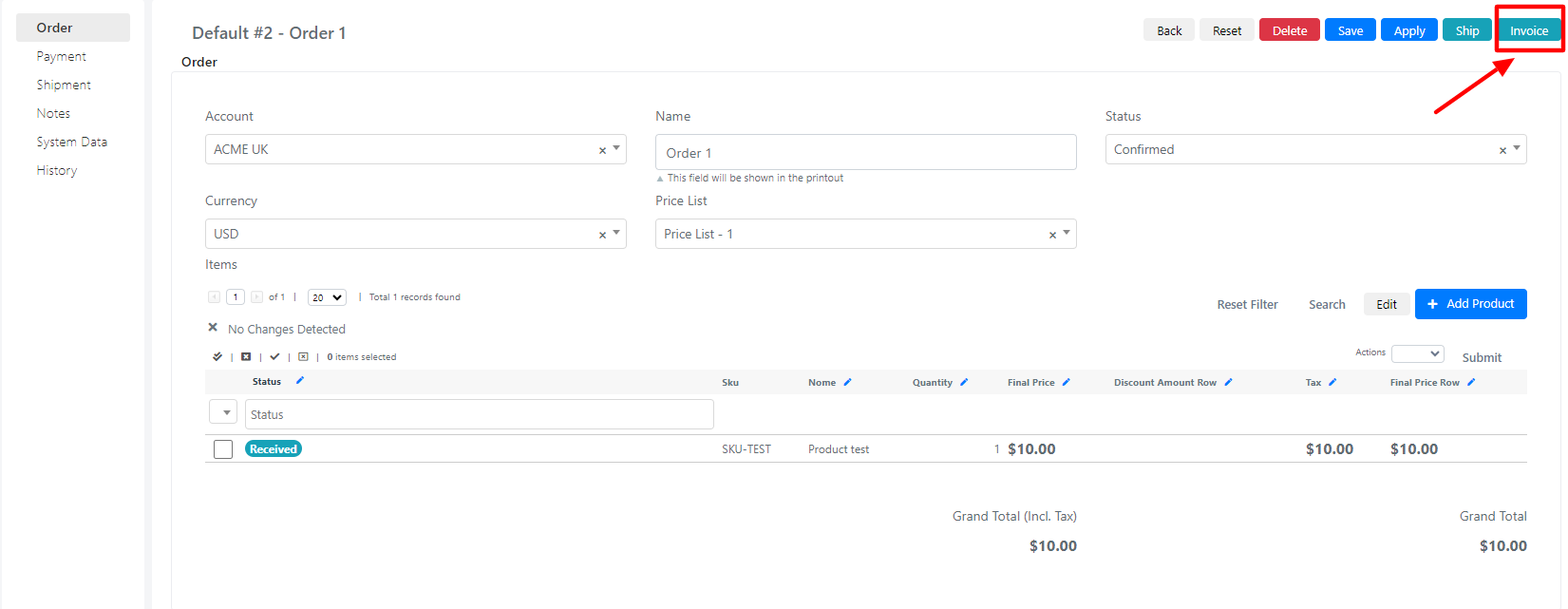
tip
Pressing the "Invoice" button generates an automatically filled invoice based on the data entered in the order.