Add Comments, Activities, Attachments and Tasks to Operations
This guide covers the standard actions you can perform on Service Operations: inserting comments, logging work activities, attaching files, and adding tasks. These features help Operators and end users track progress and collaborate on each Service Operation.
Access the Service Operation
-
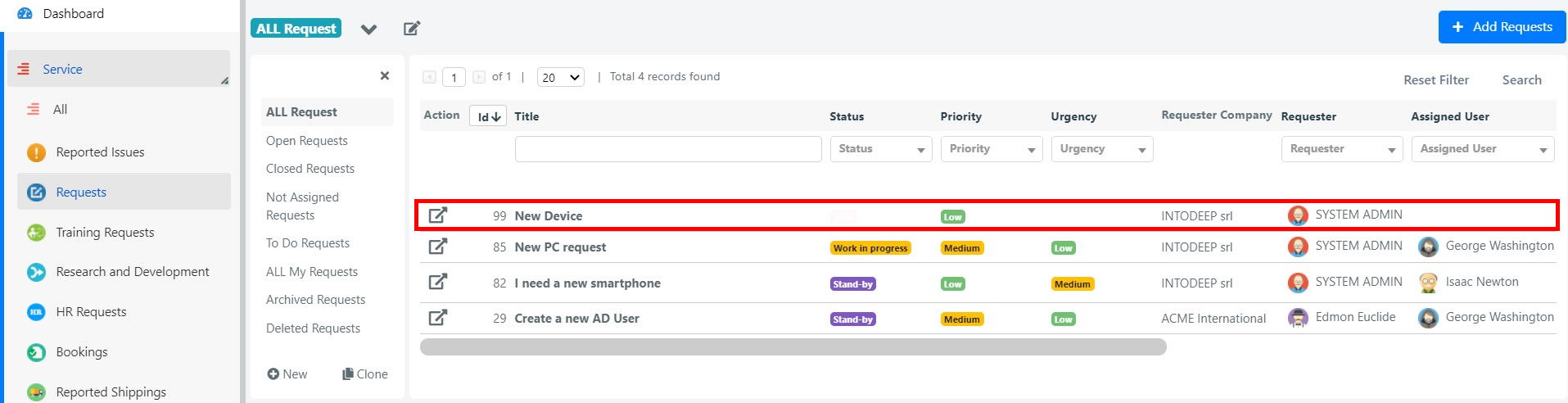
Open the Service Operation from the User Portal or the Deepser Backend (the Deepser Backend is accessible only to Operators).
From the User Portal, select the Service Operation you want to update.

From the Deepser Backend, select the Service Operation through the service type grid.
-
The examples below use the User Portal. The workflow in the Deepser Backend is similar.
Add a Comment
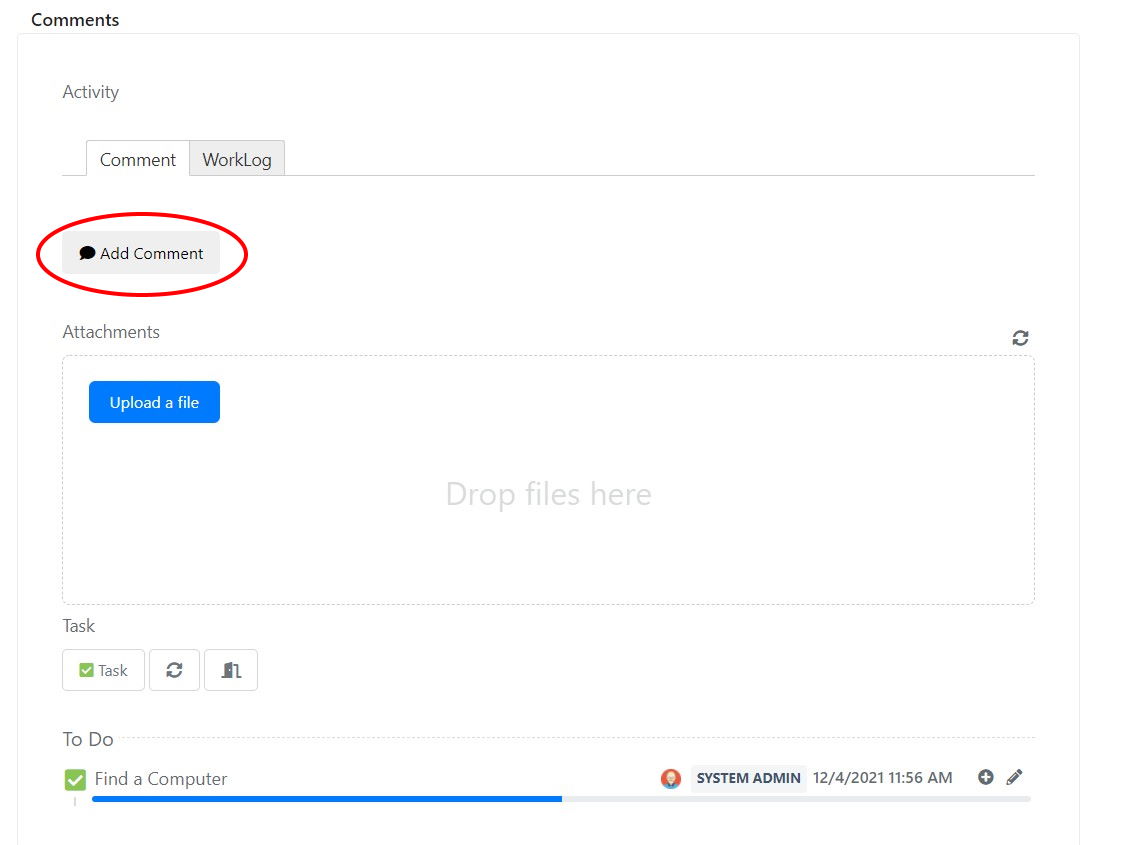
- Scroll down to the Comments tab.
- Click Add Comment.
note
For advanced comment configuration, refer to the dedicated section in the Academy.
Add a Worklog
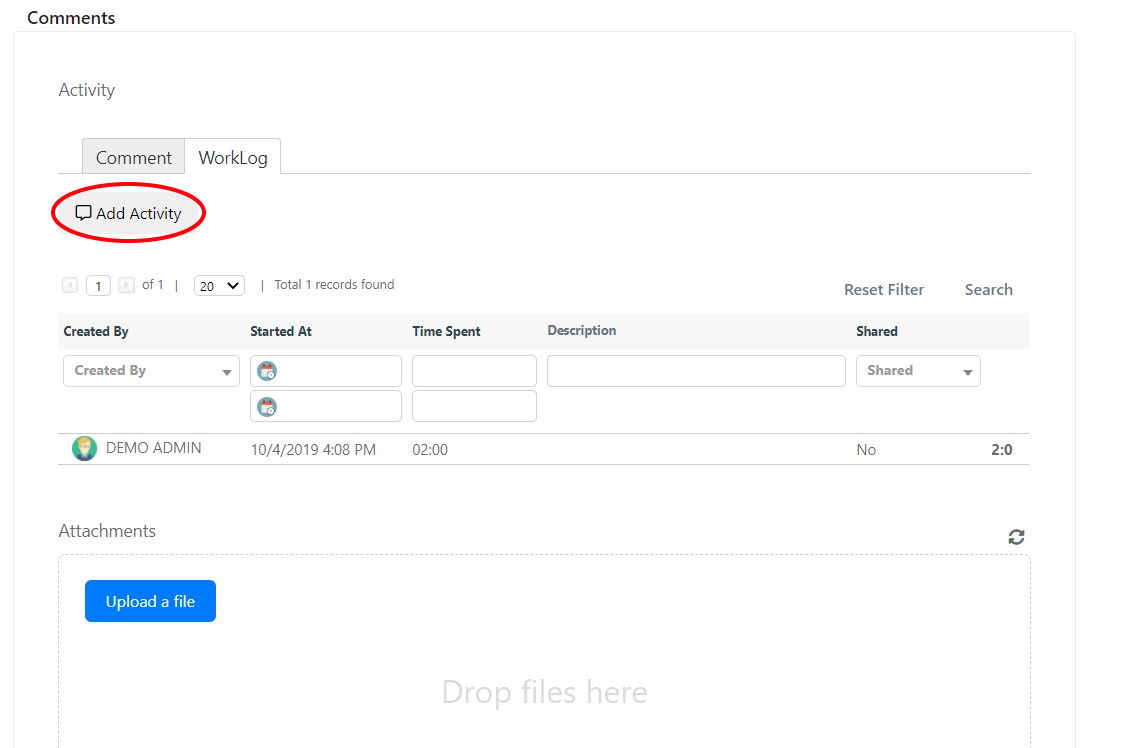
- Scroll down to the Comments tab.
- Click the Work Activity sub-tab.
- Click Add Activity.
Attach a File
- Scroll down to the Comments tab.
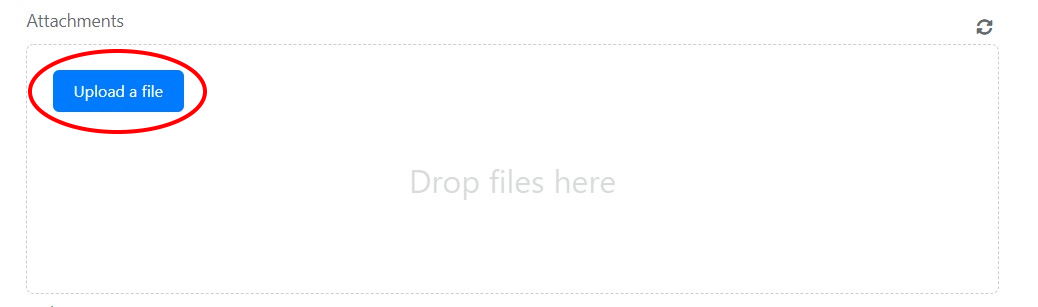
- Click Upload a file, or drag and drop the file into the designated area.
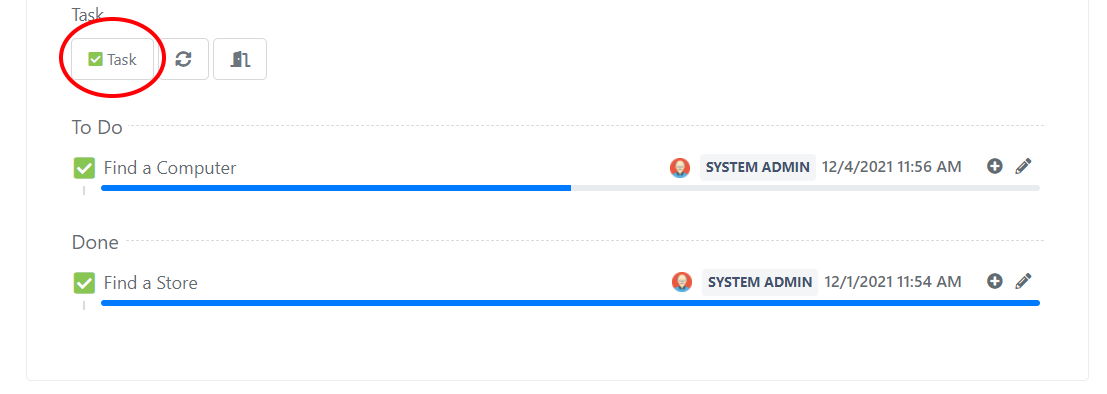
Create a Task
- Scroll down to the Comments tab.
- Click Task.